Tooling - for a general introduction and the prerequisites see this article on the Knowledge Base.
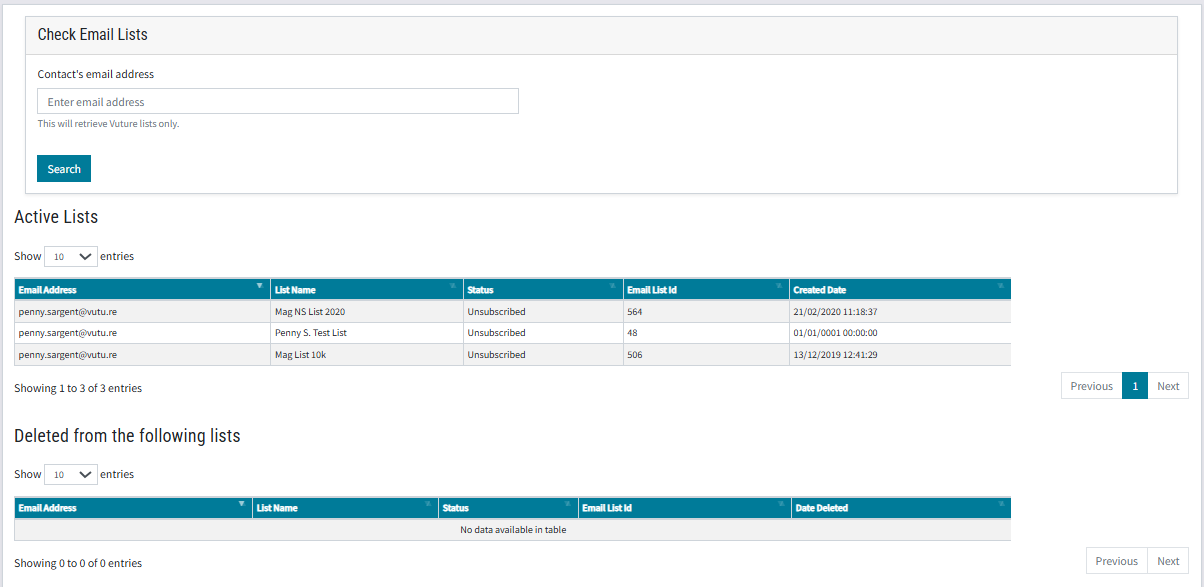
This tool allows the user to view all the mailing lists held in Vuture that a contact is subscribed to, and their status on each list. It can be useful, for example, to check if a recipient's status is undelivered on a particular list.
Note: Lists that only exist in the CRM will not be displayed. This tab only the lists uploaded to Vuture where the named contact exists.
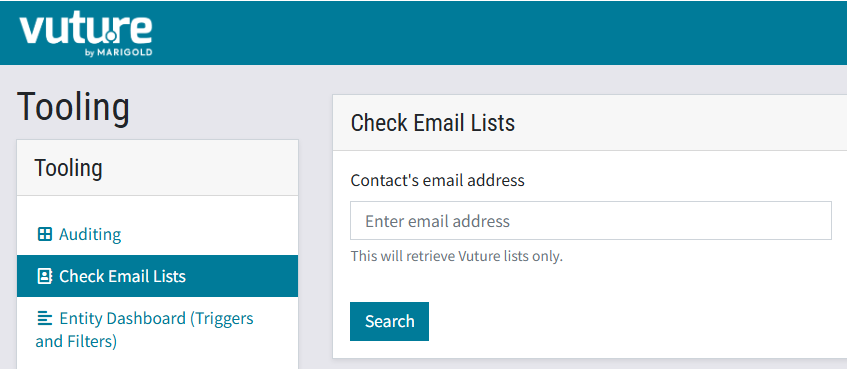
Start by entering the contact's email address in the search box.
Open image-20250425-140416.png
Once you have entered the email address of the contact, click Search. The tool returns the lists on which the contact is present, and any lists where the contact was previously present but has been deleted, with the date of deletion.
Open image-20250425-140737.png