Who is this article for?
This article is intended for all clients with an integration with a CRM when attempting to use a form connected to the CRM.
Overview
When the Display Instance Dropdown is set to null, it will not show in the form editor for the CRM instance.
To enable the option in the form editor, we need to switch on the settings for Display Instance Dropdown.
Example
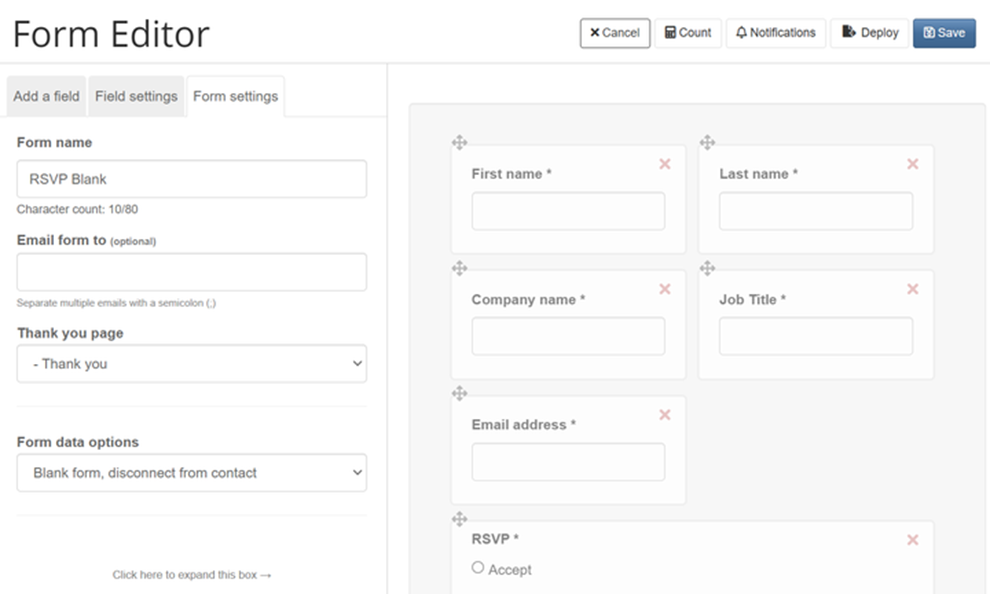
The option to 'Select a Salesforce campaign' is absent from the Form editor in the image below.
Solution
Step by Step process to Enable the Instance DropDown
Navigate to Admin -> System -> Forms -> Enable Display Instance Dropdown
and Save

‘Select a Salesforce campaign’ option is now available in the Form Editor:

