Many browsers now allow you to save contact data so that you can quickly auto-complete a form. They also allow you to cache previous field values if you submit a form and then click the back button.
You may want to prevent user from auto-completing a form using contact details they have saved in their browser. You can do this by enabling a role feature Admin>Roles>Forms>Disable autocomplete.
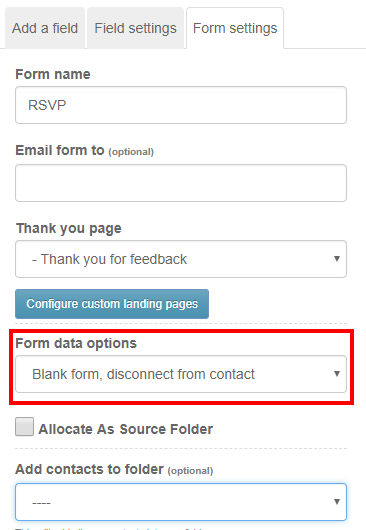
A blank form is one where the "Form data options" dropdown on the "Form Settings" tab is set to "Blank form, disconnect from contact"
With the feature enabled when you save a blank form the system will automatically add an "autocomplete=off" attribute to the form and also add some response headers (invisible information sent to the browser) to prevent caching.