Overview
Containers are folders that hold your email campaigns and newsletters. A container may display 10 campaigns per page. When there are more than 10 campaigns in a container, navigation buttons automatically appear, allowing you to move to a specific page, last or first page.
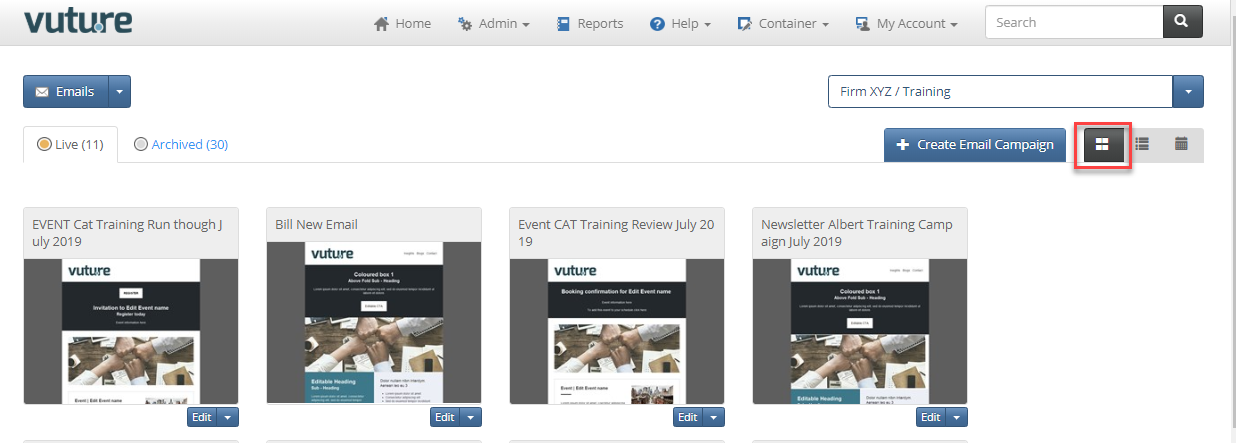
There are currently three ways to view your campaigns in a container: Thumbnail view, List view, and Calendar view.
Contents
Thumbnail view
This the default view, and shows a the campaign Title and a small preview of the initial email and the in the campaign.
Sort by Thumbnail View
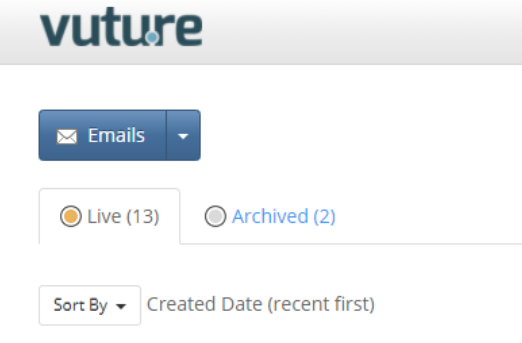
We have added the ability to sort your campaigns by thumbnail view.
When you select the sort criteria (you can sort by Campaign Name in Ascending or Descending order, or by Created Date or Last Published Date) the criteria you have chosen will be used to sort the campaign thumbnails and will also be shown on the screen like this:
Sort Order
If you would like your campaigns to
always appear in order of most recently published, you can ask Support or your CSM to enable for you:
Admin.System.Sites.Order Spacelab Site By Published Date
List view
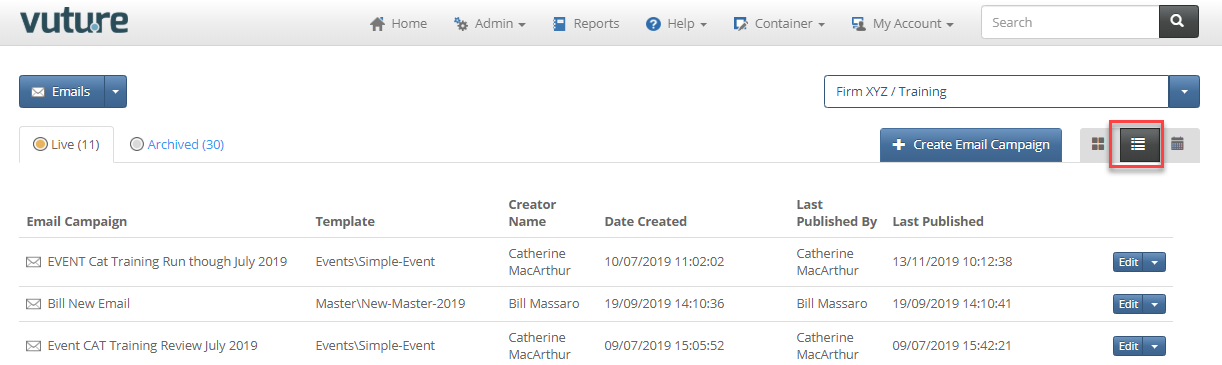
The List view is useful when there are many campaigns in a container. It displays much more information than the Thumbnail view:
- the template used to create the campaign
- the creator name
- date created and the
- last published date
Click any column heading to sort, click again to reverse the order.
Calendar view
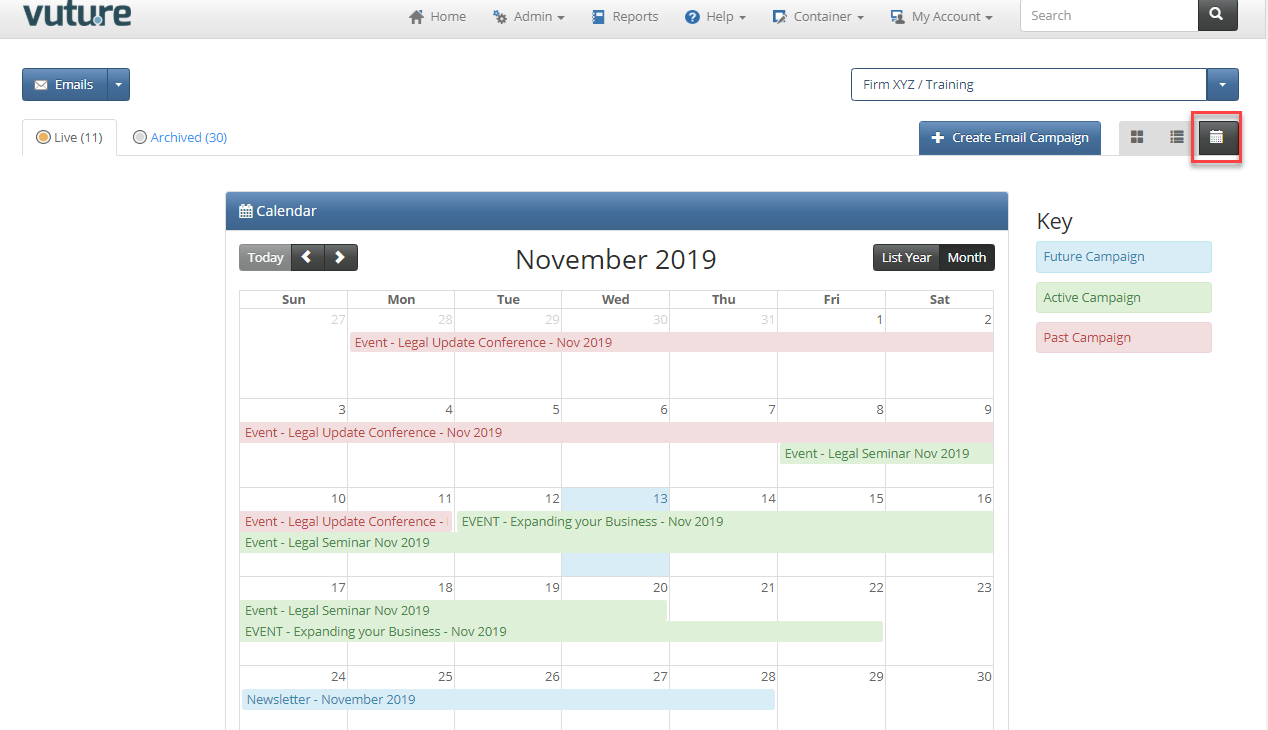
Campaign Calendar displays a visual timeline of all the campaigns in that container. For more information on the Calendar view, please click here.