(There is a Vuture Only version of this article here)
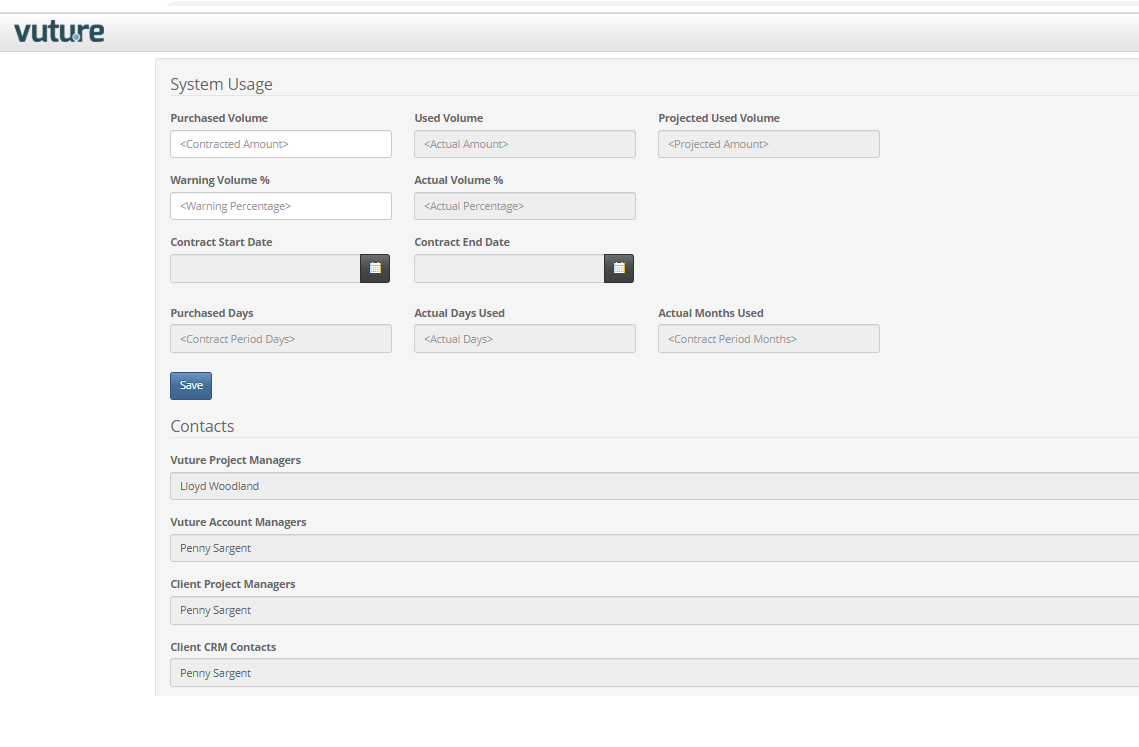
The System Usage feature allows for your contracted email volume, start and end dates to be entered. The system usage page will then calculate the current usage to date, and the current projected usage at the end of the contract period.
The feature is enabled by switching on Admin->Roles->Administer Contract Details . It will then be available the next time the instance is deployed.
This will give a new option in the Admin menu from the Home screen called "System Usage"
The System Usage Screen displays, in a Read Only format:
Used Volume: How many emails have been sent since the Contract Start Date
Projected Used Volume: At the current send rate, how many emails will be sent by the Contract End Date
Actual Volume %: The % of the purchased volume that you have currently used
Purchase Days: The number of days between the Contract Start and End Dates
Actual Days Used: The number of days since the Contract Start Date
Actual Months Used: The number of days since the Contract End Date
Contacts: The key contacts entered in Admin->System->Contacts
Here is an example of the page: