Overview
In order to send an email you first need to connect to Salesforce. This is a one-off process, to be completed by each user who will send emails. Once connected the user will not need to do this process again.
To Connect with Salesforce
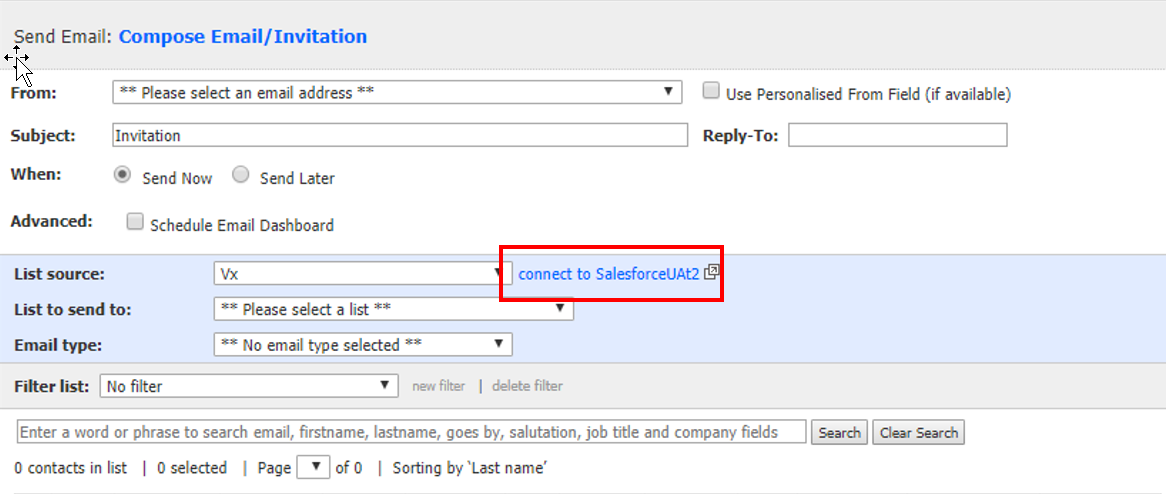
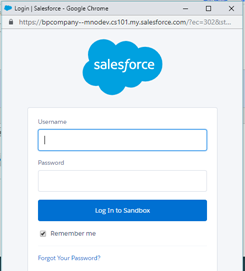
- You will be prompted to enter your Salesforce login details (provided by Salesforce).
A Successfully Logged in Message will be displayed.
Once you have logged in you will be able to see the list of your firm’s campaigns in the List Source Drop Down field.