Folder ID Numbers
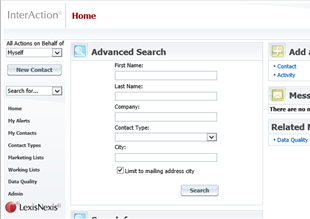
To see the folder IDs you will need Administrator access to the web client. Log in as Administrator to the web client and navigate to the left hand tool bar. Click on "Admin":
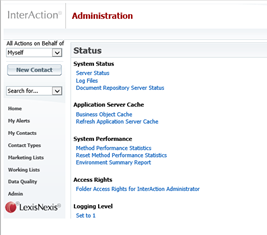
On the Admin page, click on "Folder Access Rights":
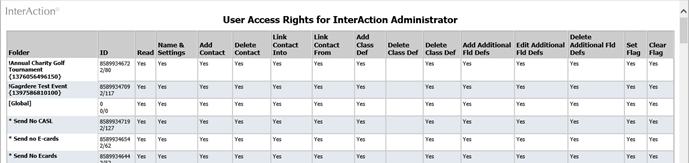
The resulting page contains a record of every folder on the system including their ID number. This is the long number in the first column after their name:
Activity Type ID Numbers
These numbers are available via the IA Admin Tool. This tool is a third view of InterAction (apart from the web client and the windows client) and is normally only available to one or two users in each firm – the database manager in Marketing/BD and the database analyst in IT.
Open the Admin Client (normally only available to holders of the IAADMIN login and password):
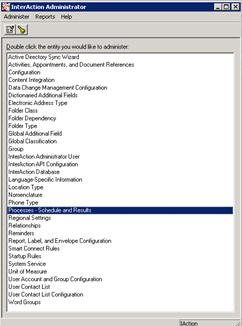
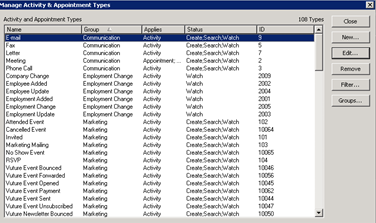
Click on Activities, Appointments and Document References, and then on Types:
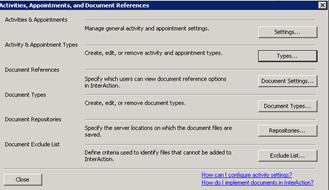
The Type IDs are available in the final column: