The Email Global Statistics report allows you to select the containers and date ranges you are interested in and provide a list of every email sent in the specified time-frame. It can be accessed from "Reports.Emails.Email Global Statistics".
Update for October 2022: This report is due to have two new fields added in the release that will come out during October 2022. This release will be announced in the usual places: on the "splash screen" you see when you log in to Vuture, like this:
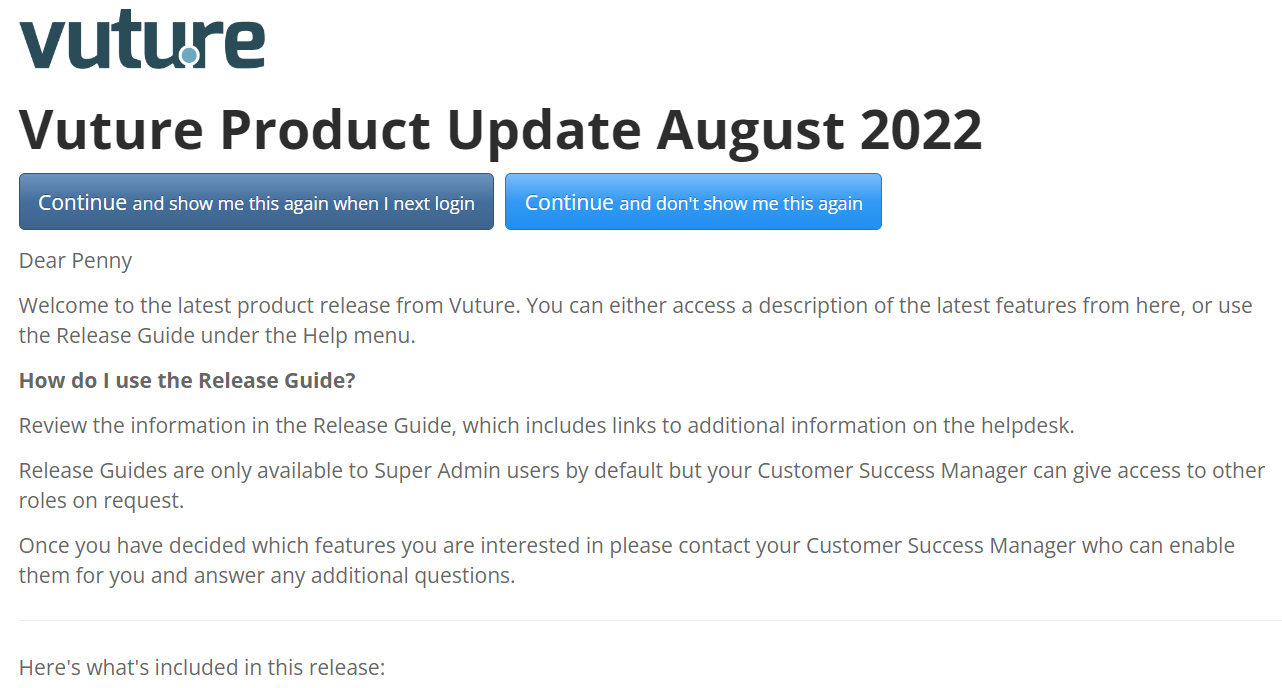
It will also be announced in the Release Notes accessible from the home screen under Help, Releases, and it will be included in the Product Team mailing. The two new columns will be:
- RecipientsClicked = Count of recipients who clicked at least once
- UniqueClickRate = RecipientsClicked/(TotalSent-Bounced)
Update for June 2020: Total Emails Sent: Discrepancy Clarified
When reporting on the total number of emails sent from a container, there was a discrepancy in the total Emails Sent figure being displayed, between the Email Global Statistics Report and the Marketing Management Dashboard. This was due to the way that emails which were sent, but which were then subsequently deleted from Vuture, were being counted by the different reports.
To remedy the discrepancy between the numbers of emails being reported, we have updated the Email Global Statistics report. It will now display all emails which were sent, including those which have since been deleted from the container, so that they can be counted in the Total Emails Sent.
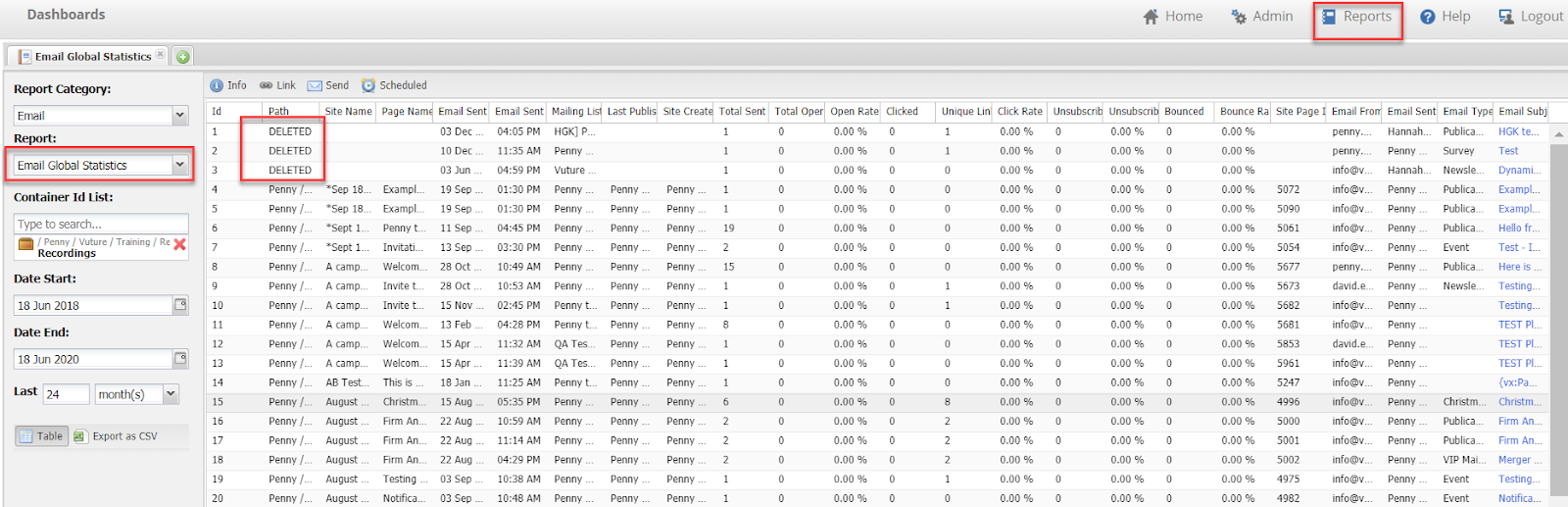
The deleted emails will be displayed at the top of the Email Global Statistics report page as DELETED. They can be easily removed from the Excel download if required.
Important: This report relies on the Vuture's email data aggregation task which must be running for all fields to be populated. This should be set up by default but the setup can be checked by Vuture support - see this article for details
If you are seeing unexpected zeros in your report please ask Support to ensure that this scheduled task has been enabled on your instance.
The Email Global Statistics Report
The report provides one row for each email sent from the selected containers (selecting no containers will return data for all containers) and date range and includes the following fields:
- Id: a sequential record number starting from 1
- Path: container the email was sent from
- SiteName: campaign name
- PageName: email name
- EmailSentDate: date the email was sent. Formatting based on user settings
- EmailSentTime: time the email was sent. Formatting based on user settings
- Mailing List: List to which the email was send
- LastPublishedBy: user that last edited the email
- SiteCreatedBy: user that created the campaign
- TotalSent: total emails sent (after unsubscribes, blanks and duplicates are removed). This figure does include emails which were sent but then deleted later.
- TotalOpened: Total emails opened, this reflects a unique count (i,e, one per contact)
- OpenedRate: This is the “View Online”. Calculated by: All Opens divided by (Total Sent minus Bounces)
- Clicked: total number of clicks (multiple clicks on the same link are counted here)
- Unique Clicks: the number of unique clicks (multiple clicks on the same link are not counted)
- ClickRate: click percentage = clicked divided by emails received
- Unsubscribed: number of unsubscribes
- UnsubscribedRate: unsubscribe percentage = unsubscribed divided by emails received
- Bounced: number of hard bounces. Note: this number is not affected by any subsequent resends or opens. Any bounce, soft or hard, even if the mail is later resent and opened, will still count as having been a bounce originally.
- BouncedRate: bounce percentage = bounced divided by total sent
- SitePageId: Vuture Id of the email
- EmailFrom: From email address and name (Note for personalised sends this is the fall-back From Address)
- EmailSentBy: user who sent the email (which user clicked send on the email sending screen)
- EmailSubject: email subject
- EmailType: type of email sent (e.g. Alert, Invite, Newsletter etc.)
Note: The Vuture database only stores an open as a once-per-mailing metric.A single contact clicking into an email multiple times would count as one open only.
Note: The Email Global Stats report is based on a straightforward record of how many emails were sent, opened and bounced. Other email reports (for example Email History in the campaign) which are available on the Vuture platform may perform complicated calculations and filtering, counting emails which bounce multiple times for example, and the figures will not, therefore match exactly from one report to another.
