To log into the Vuture platform you will need the URL of your personalised login page. If you are a new client this will be emailed to you from your Project Manager. For existing clients you can speak to your internal Vuture Administrator.
Typically this is: https://yourfirmname.vuture.vx.com or possibly https://yourfirmname.vuturevx.net.
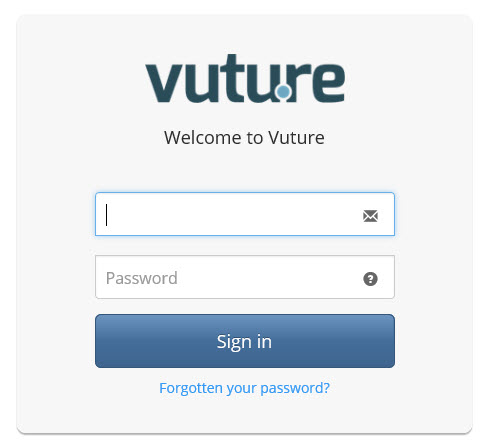
Use your own work email address and the temporary password emailed to you. The first time you log in you will be given the option to choose a new password.
If you forget your password, please select the ‘Forgotten Your Password’ option and enter your email address. The system will automatically send you a new temporary password.
Next Steps
Getting Started - Navigating around Vuture
