When preparing an email, when you select a OnePlace Function or Publication if the list members are not loaded or the count of list members does not reflect the number of contacts on your list you will need to update subscribers on the Function or Publication List within your OnePlace organisation.
- Log in to your OnePlace organisation and navigate to the Function or Publication area of the system
- Click on the Function or Publication name
- Once this page loads, click on the "Update Subscribers" button at the top of the page
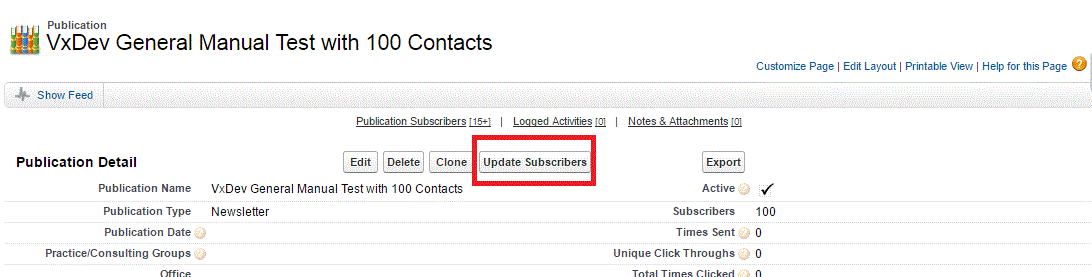
Once the update process has completed, return to Vuture and select the list again from the drop down.
