If a form has been set to allow the creation of new contacts, in form options, you can set the InterAction folder where new contacts are created by selecting the folder from the Form settings tab.
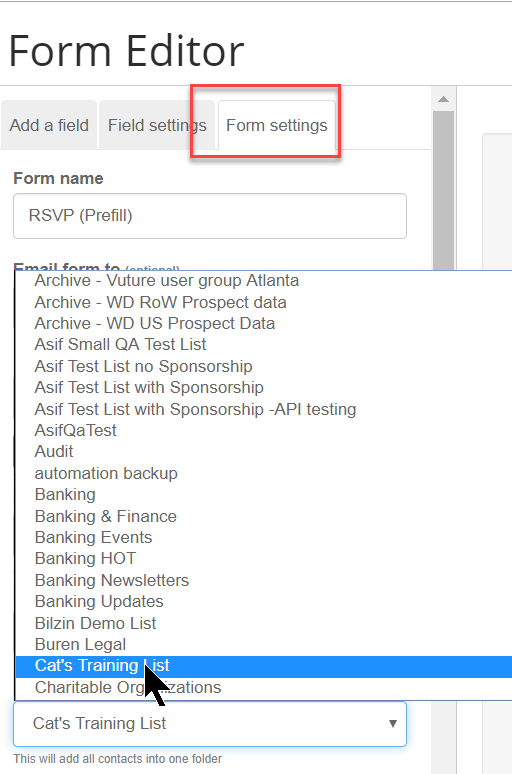
You can also set this folder as the source folder for new contacts by checking the "Allocate As Source Folder" box.
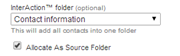
Note: if the folder is changed, it will only affect the one campaign where the form resides (i.e., per form basis). Newly made forms will automatically have the default folder unless modified by campaign editors.
The Allocate As Source Folder function is a feature that can be enabled for particular roles.
Please contact Vuture support or your account manager to enable this feature for your chosen roles:
It requires that the system configuration "Admin.System.Forms.Allocate Source Folder" is enabled and that each required role has "Forms.Allocate new source folder for new contacts" enabled.
