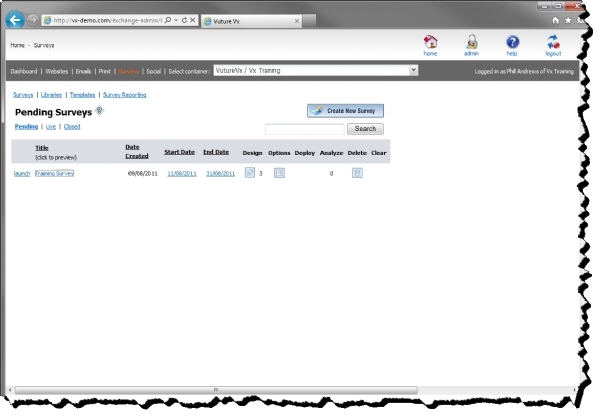
The main survey page displays a list of all surveys. For a user with Create permission, this list represents all surveys that they own. For a user with Admin permission, this page displays all surveys in the system.
All surveys are always in one of three states: Pending, Live or Closed. When a survey is first created, it is in Pending mode while the owner creates the survey. Once a survey is ready to launch, it is launched by clicking on the Launch button on the Home- Pending page.
Once a survey is launched, the status of the survey changes to Live. Note that a survey can be launched only if it contains at least one answerable question. A survey can be toggled between Live and Closed by using the buttons under each survey icon on the main Live and Closed survey pages.
Once a survey is launched, it can be fully edited only when the survey does not have any responses. Once a single response is recorded for the survey, only limited modifications can be made to the survey. Editing the entire survey is no longer possible because changing the structure of a survey that has existing responses would cause problems with reporting.