Any website can be copied to the same or a different container by clicking on the "copy" link under the website thumbnail on the container home page.
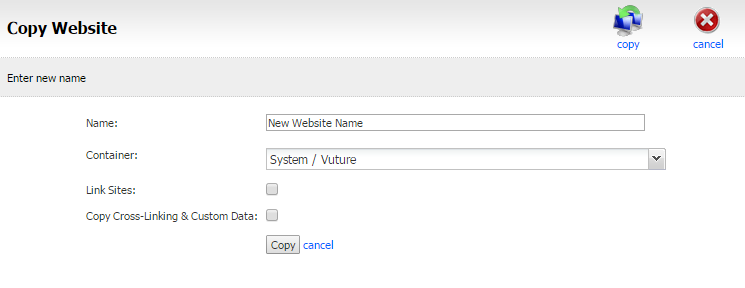
The following options are available:
-
Name: Enter the name of the website - this can be changed later if required
-
Container: Select the container that you wish to create the copied website in
-
Link Sites: Only select this option is you creating an alternative language version of the site and want to connect the copied site so that any new pages on either site are created automatically in the other site
-
Copy Cross-Linking and Custom Data: Select this option if there is content-type, cross-linking and custom-data you wish to be copied to the new site
Click the "copy" button to complete the copy process which could take several minutes for large sites
