There may be occasions that you wish to use a tool other than the built-in one, this article shows how to do this with the free tool "linkchecker" on a computer running Windows.
Install "linkchecker" on your machine , it can be download from http://sourceforge.net/projects/linkchecker/files/ in this example we'll use version 8.2 "portable" which just requires that you copy the folder inside the zip file to location on the computer you wish to use it on and the click on linkchecker-gui.exe
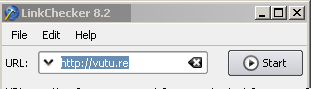
When the program starts enter the address of the site you wish to check and press "Start" in anything from a few minutes to a few hours (depending on the size of the site and the speed of your broadband) it will return with a list of pages and their status.
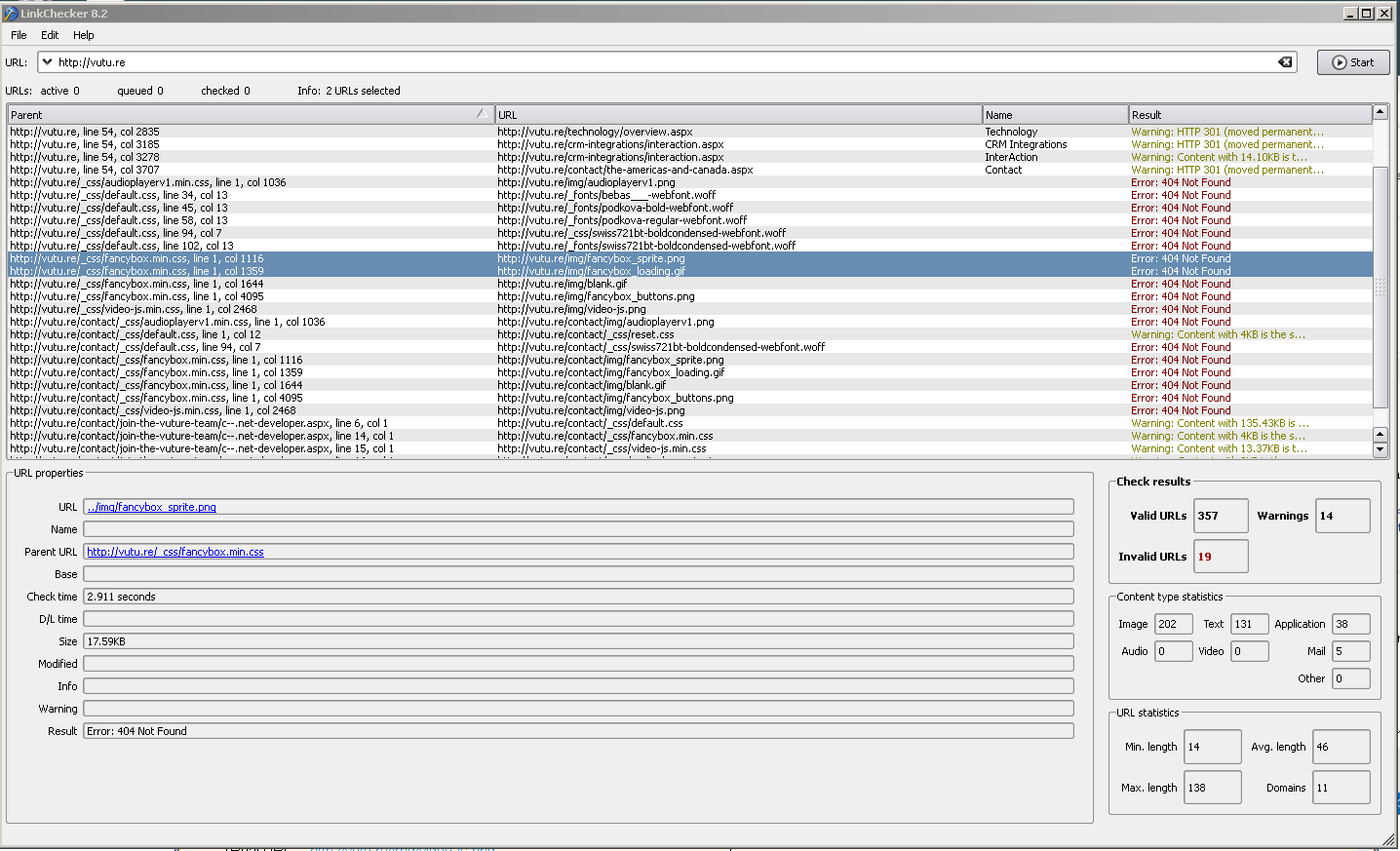
This will then give a list of all the files, and if there are broken links what page they are coming from, where on the page and where they trying to link to
Please note that Vuture has no affiliation with this product and you should virus-scan any software that you download from the internet.
