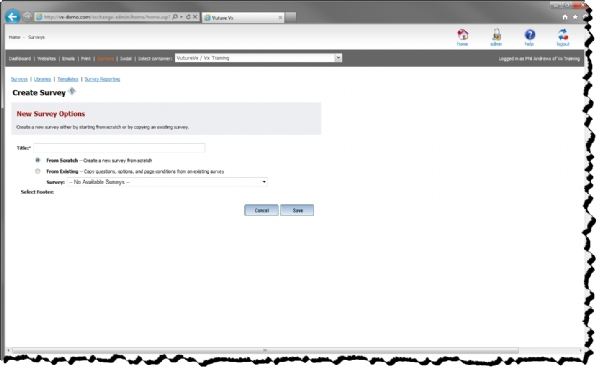
New surveys can either be created from scratch or by copying an existing survey. When creating a survey by copying an existing survey, the existing survey is copied in its entirety. All survey options, question, page conditions, etc. are copied to the new survey. If the survey being copied has responses, none of the responses are copied. After copying the survey, you can then change the name of the survey, and modify
If a user is logged into the application with Create permission, the dropdown box used for copying an existing survey contains a list of all surveys owned by that person. If the user has Admin permission, all surveys in the system are displayed in the dropdown box.