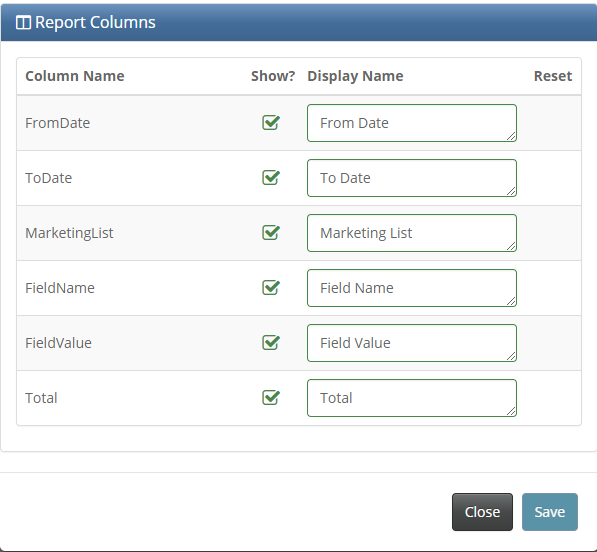
Once a report snippet has been set up through the "Report Columns" section of the snippet configuration page, the report columns are editable in two ways:
- Hide a column. By un-checking the box in the "Show" column
- Rename a column. By editing the text in the "Display Name" column. If left blank, the column in the report will have a blank header.
The reset arrows will return the above changes to the original format.