If you are using Single Sign On (SSO) to access either the Vuture platform itself or a secure website you can automatically add a Single Sign On link to your Identity Provider with customisable text.
Add SSO Login Link to Vuture login screen
To add the SSO login link to the Vuture login screen provide your IDP Redirect URL and the text for the login link to your Account Manager who can update this in "Admin.System.VxSSO.Idp Login Redirect Url" and "Admin.System.VxSSO.Idp Login Redirect Link Text". This will add an SSO link the login screen:
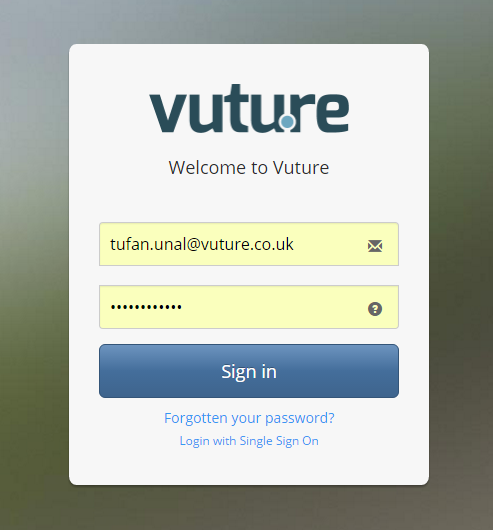
If a user clicks on a link in an email, and they haven't logged into Vuture, they will be directed to the login screen where they can click on the "Login with Single Sign On" link. When their session opens it will open in the homepage of Vuture, not necessarily the page the link in the email was directing them to.
If after login in, they re-click on the link in the email, they will be directed to the intended page.
