When renaming a file in Vuture, such as a landing page or a calendar reminder, for example, you may see the below warning pop up, where 'hannah.vuture.net' would be 'yourFirmsName.vuture.net':
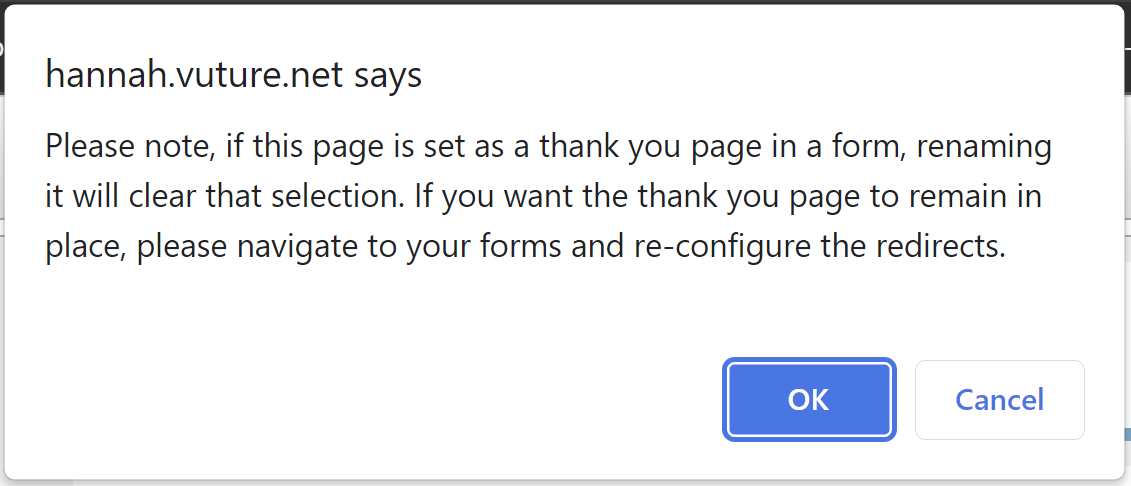
This warning serves as a reminder in case you have inserted a link to the file/page you are renaming, on another page.
If you have already linked to this file or page, then any existing link will no longer work, and you will need to redo those links.
Best Practice: For the smoothest workflow, ensure all the file names are finalized as one of the first steps when creating a campaign. This will ensure that changing file names is kept to a minimum after you have begun linking to different pages and files.
See below for a guide to relink landing pages that have been renamed (which is one of the reasons this warning now shows up):
https://support.vutu.re/hc/en-us/articles/5628511838493-RSVP-form-redirecting-to-blue-shield-error-page-due-to-renaming-a-landing-page-
