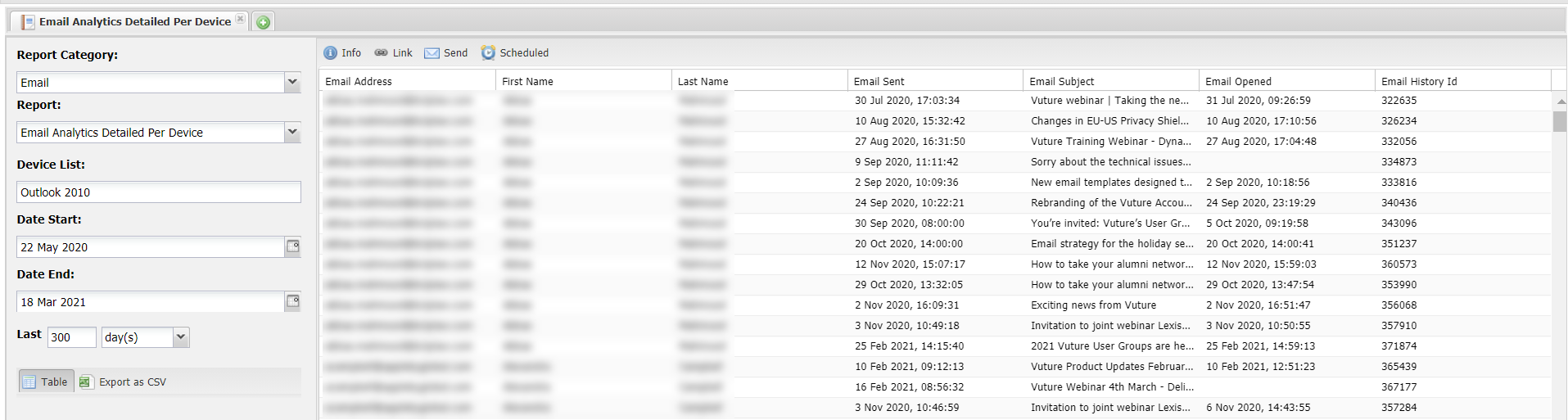
This report shows detailed results of emails, by device.
The fields included in the report are:
Id
Email Address
First Name
Last Name
Email Sent
Email Subject
Email Opened
Email History Id
In addition, you will need to enter
- Device List
- Date Start
- Date End
To access the report, navigate to Home>Reports>Email and then select the report in the drop down box like this:
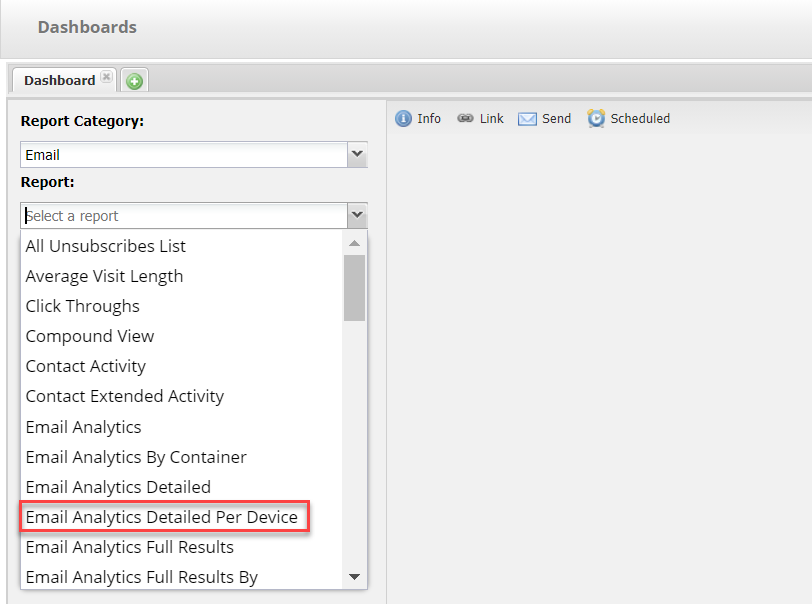
When using this report you need to provide a combination of client and version in the Devices text box, for example Outlook 2010. If you want multiples you can type a comma separated list with a space between the comma and the next value.
Further examples of the client and version number might be:
Chrome 73.0.3683.88 or
Firefox 8.0
iPad 9.3.1
Here is an example of an on screen result: