Libraries are collections of questions that can be inserted into a survey. Libraries are useful because you can create a question once in a library, and then reuse it over and over again by inserting it into your surveys.
To insert an item into a survey from a library, click one of the "Insert" buttons on the survey. Then, click the "Insert from Library" button. Select the desired library from the dropdown list, then select the item, and click the "Continue" button.
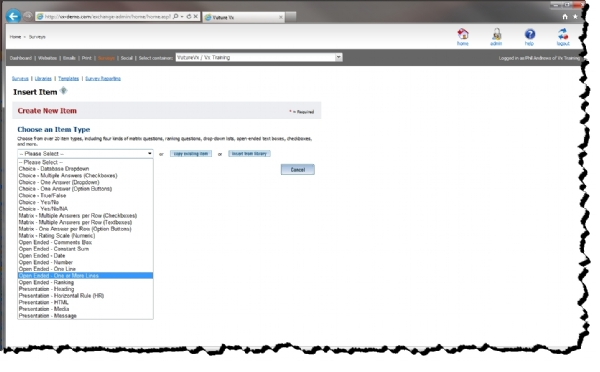
New items can be added to a library in two ways, both of which can be accessed by clicking any of the "Insert" buttons on the library page. The first way is to create a new question from scratch. The second way is to click on the "Copy Existing Item" button, and copy an item from an existing survey.
All libraries are owned by and viewable only by the owner of the library. The exception to this rule is that administrators can view and manage all libraries in the application. You may optionally share a library with other users by setting the "Public" property, located on the library options page, to "Yes." Sharing a library means that other users can create questions by copying items from the library, but they cannot modify the library itself. Only administrators and the owner of the library can actually modify the library.