This article is for users of DealCloud, Fibre and Dynamics only.
Writing Links Clicked URLs into a single Activity
By default, Vuture records all links clicked by a contact for a specific mailing, into a single Activity, within the notes of an email opened Activity. This is to avoid creating a separate Activity for each click, which could generate a large number of Activities and make any Activity reports very long.
This behaviour can be overridden and a separate Activity can be created for each link clicked.
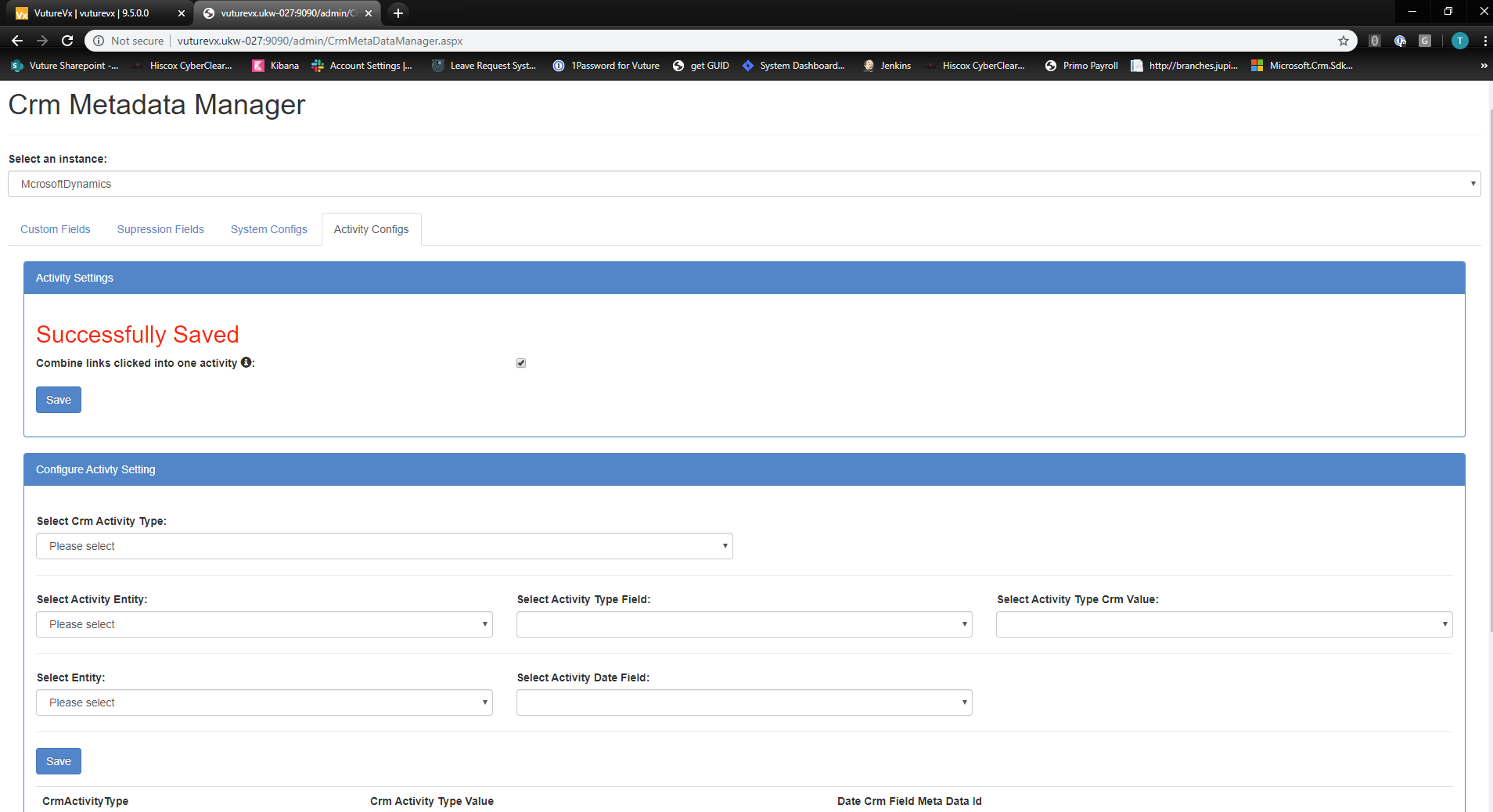
Writing links clicked URLs as individual Activities
If you would like Links Clicked recorded as individual activities, please contact your Client Success Manager. They will need to edit the CRM Metadata Manager and uncheck the setting: Combine links clicked into one activity.

Note: Changing this setting this could create a large number of activities. However, it will make it easier to search for individual links clicked in your CRM.
If your Vuture platform is connected to more than one CRM environment, this will need to be configured for each environment separately.
Why might numbers of Opens be different between the CRM and Vuture?
When a client's "Combine links clicked into one activity" option is not ticked, it will create separate Activities for each link clicked. In this scenario, if an email recipient doesn't open the email by downloading images an Email Opened Activity will not be created.
If this option was ticked, then the system would not create separate Link Clicked activities but will instead write all the links clicked inside an Email Opened Activity.
In this scenario an Email Opened Activity will be created even if they don't download images and only click links, since we need to create an Email Opened Activity to write the links inside. This would make the Email Open Activity count match Vuture's, but the CRM then would not have separate link clicked Activities and would have the links clicked listed inside the email opened Activity.
