Keywords: GDPR, CASL, Consent
By default, .csv lists are only available in the container in which you created them. However, you can optionally mark any list as global, which makes it available across all containers.
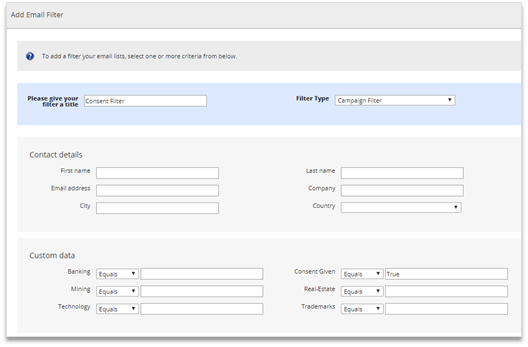
So if you have one or more lists with global mailing preferences and you would like to access these from all containers you can, and you can manage Consent in this way, using a filter to filter out people who should not be mailed.
To make your lists Global you check the "Global" checkbox by the list name when viewing the contact list. This can be accessed from the "manage list" link on the email sending screen or by clicking "lists" at the top of the left panel. This is a role-based feature so the Global checkbox is only displayed to roles that have it checked as On.
To manage consent you could use the Global Unsubscribe option in Vuture to exclude contacts from future mailing . Plus, you can record if they have consented and when as fields on a Global List. You could then run filters on any mailings from Vuture at the point of send.