Introduction
We have made it possible for your CSM to set up additional Custom Fields in your integration so that they can now be pulled through to a Preference Form.
Prerequisites
Dynamics v2 integration with Vuture
Preference Manager module
Forms v2
Process
Custom Fields can be created on any Dynamics v2 Entity such as
- Contact
- Preference Manager
- Vuture Address
- VxRSVP
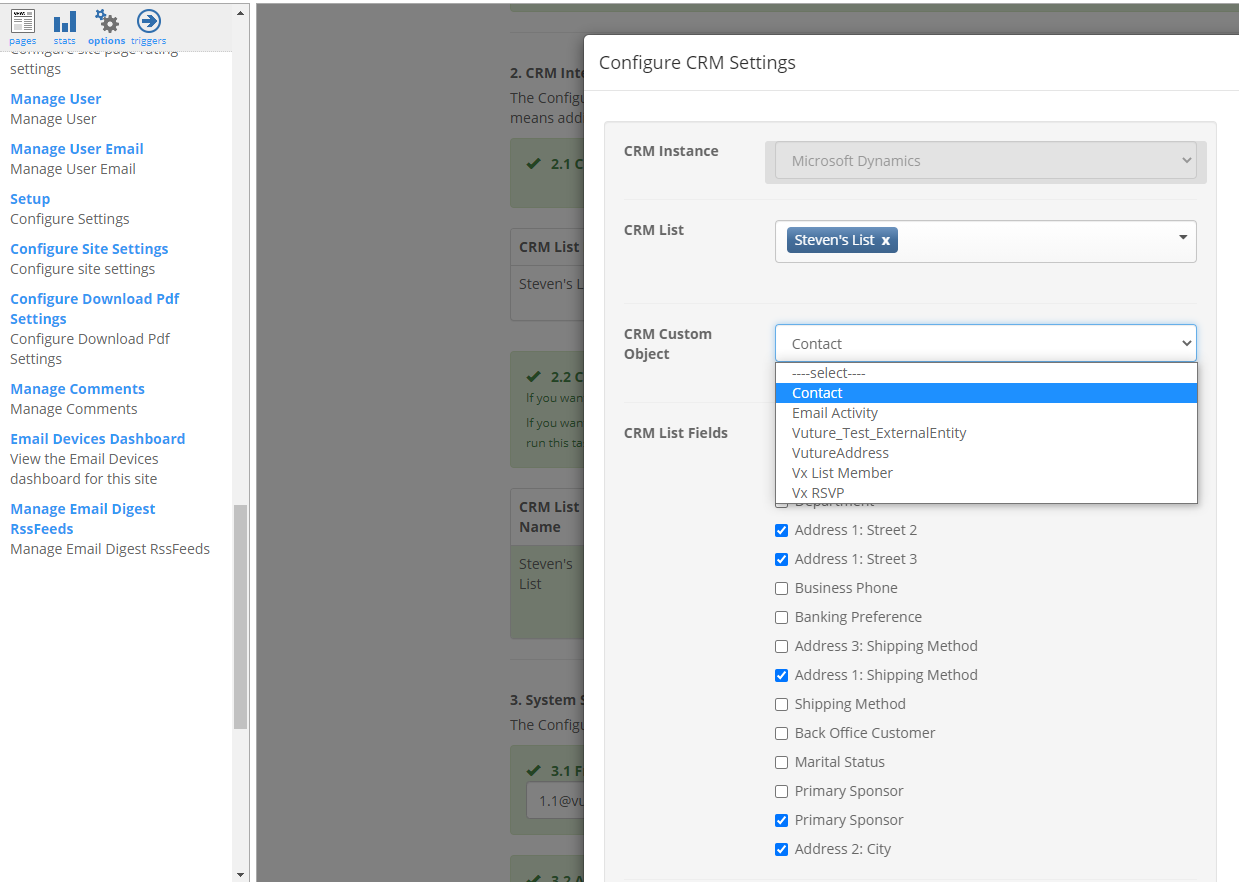
Clients will create additional fields in Dynamics first. The CSM can then go to Options>Setup>Advanced Setup>CRM List Name then select an entity and pick the extra fields.
Note: The CSM will be obliged to add additional fields to one entity at a time, and save, before moving on to the next entity.
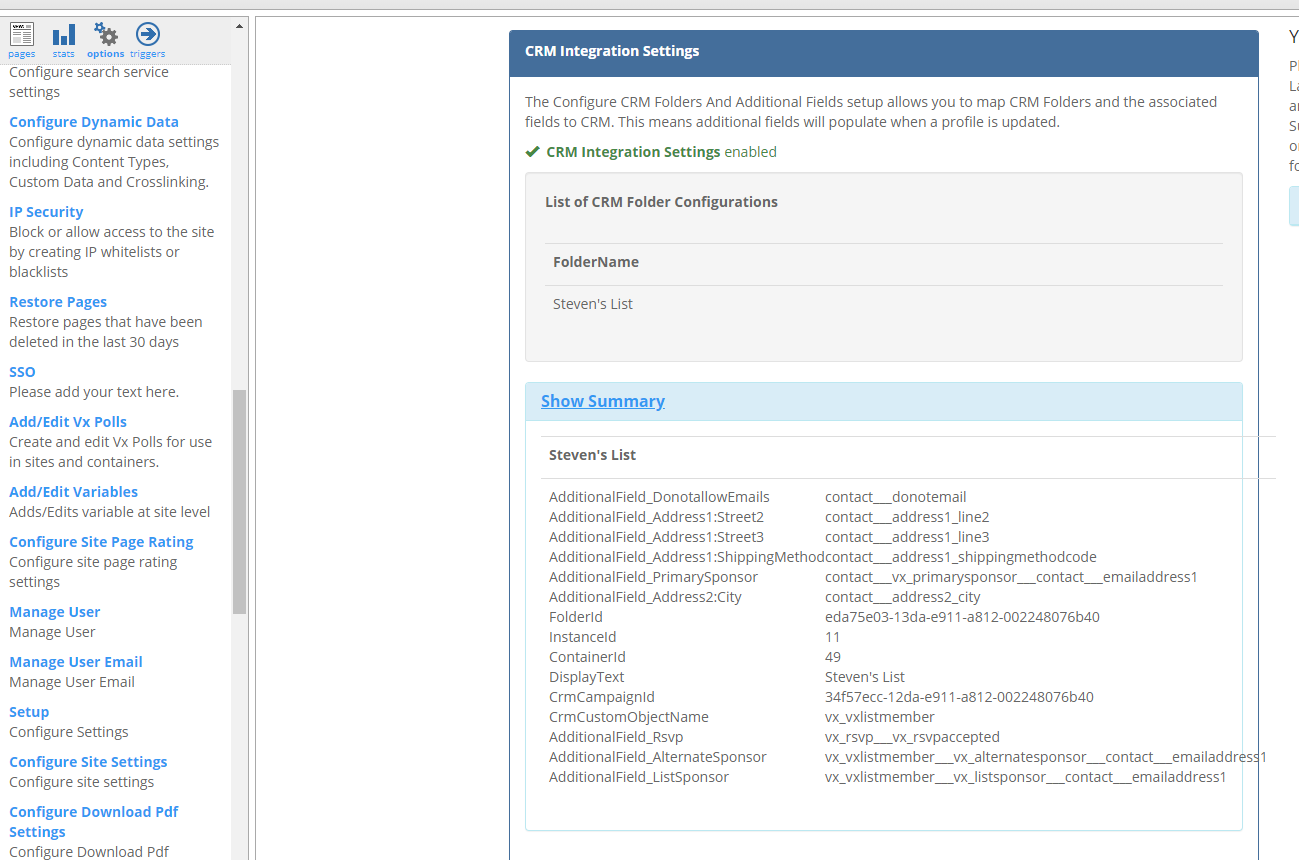
Once complete your CSM will be able to review the list of custom fields for you under Options>Setup>CRM Integration Settings>ShowSummary.