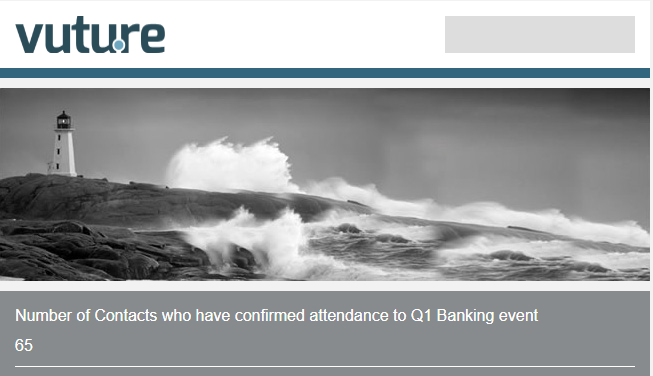
It is possible to display the number of responses to a specific Salesforce field with a specific value (e.g. number of "Accepted" in an "RSVP" field) through an email placeholder in your Vuture email or landing page.
To use this feature you will need the Id for the Salesforce field. Once you have the details, you can add the following variable in your email or landing page.
{ Count: 'all', Instance: {'ExternalSystemId'}, ListId : {'Salesforce list Id'}, Field: {'Salesforce field id'}, Value: {'Salesforce Value Name'} }
Where:
- ExternalSystemId is the Salesforce id in Vuture. Please contact your account manager if you're unsure of your instance number.
- Salesforce list Id: is the Id of your Salesforce function
- Salesforce field Id: is the Id of your additional field. If you are using this feature in a form, you can find your field Id in the "Conditional Field Name" box. Your field Id is the conditional field name without the "VxForm_" prefix
- Salesforce Value Name: is the name of the value (e.g. Accepted or Declined )
With your values added, the variable would look like this:
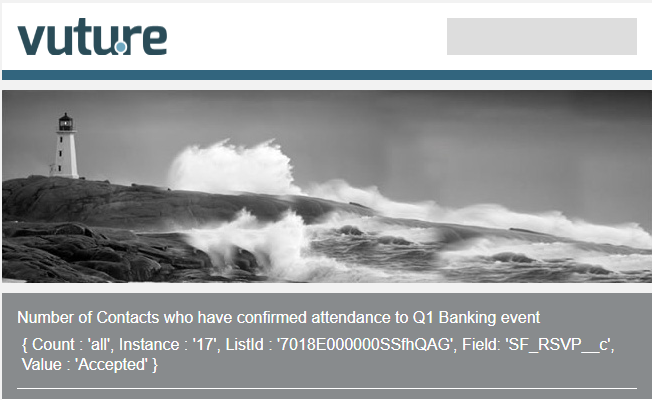
{ Count : 'all', Instance : '17', ListId : '7018E000000SSfhQAG', Field: 'SF_RSVP__c', Value : 'Accepted' }
When processed, the variable will be replaced by a number, the count of times the value has been submitted for that specific field through a Vuture form.
Example of the variable in a Vuture email in the system
Example of processed variable