Introduction
In order to allow our Vuture clients more flexibility in the unsubscribe options they offer to their clients and contacts, we have added to the current one-click unsubscribe from all (Global Opt Out) and are now offering a “one-click unsubscribe from this list” as an alternative. This means, once you have had the config enabled, that a contact using the one-click option would be Unsubscribed from the current Email Type only (for example: Unsubscribe from Newsletters or Unsubscribe from Events).
Prerequisites
-
InterAction CRM integration with Vuture (other CRMs will follow in later phases of the work)
-
Email Types set up, with valid suppression lists in IA named for each Email Type (this is typically part of the initial project to integrate your CRM with Vuture and is discussed with your Project Manager during the project phase. It is not a new requirement.)
-
Admin.Emails.Perform OneClick Unsubscribe Header Check enabled for you by Support or your CSM.
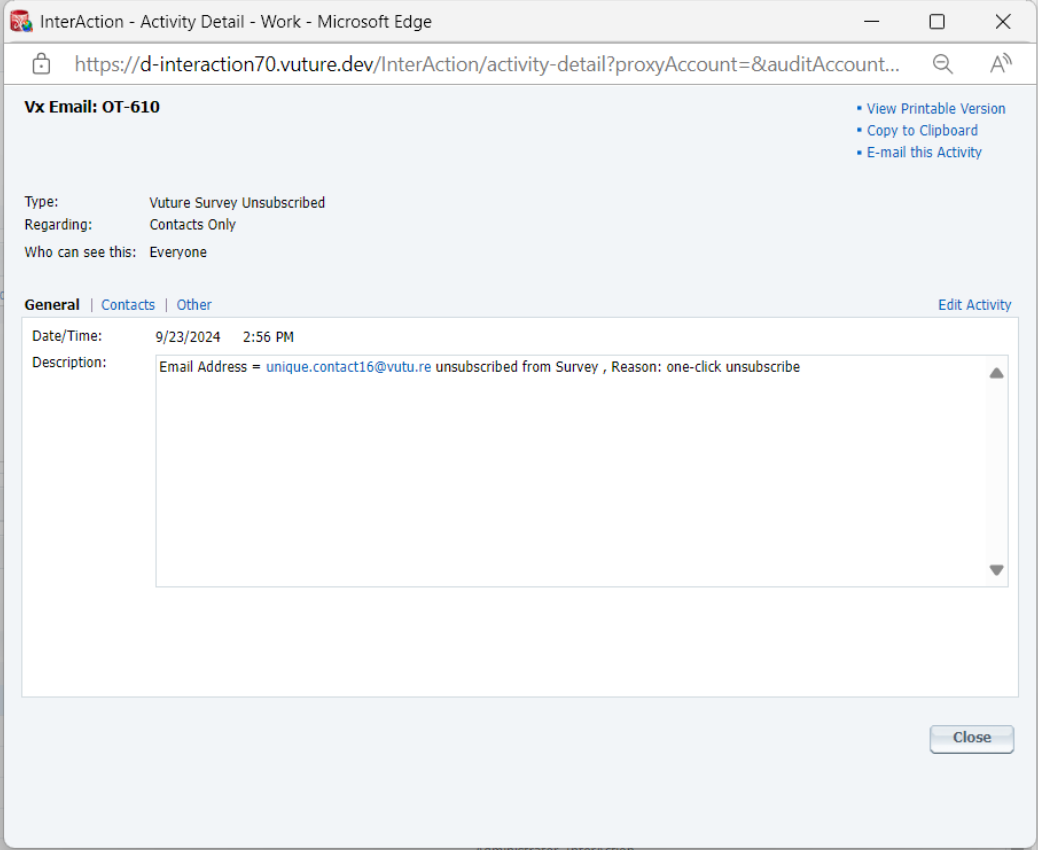
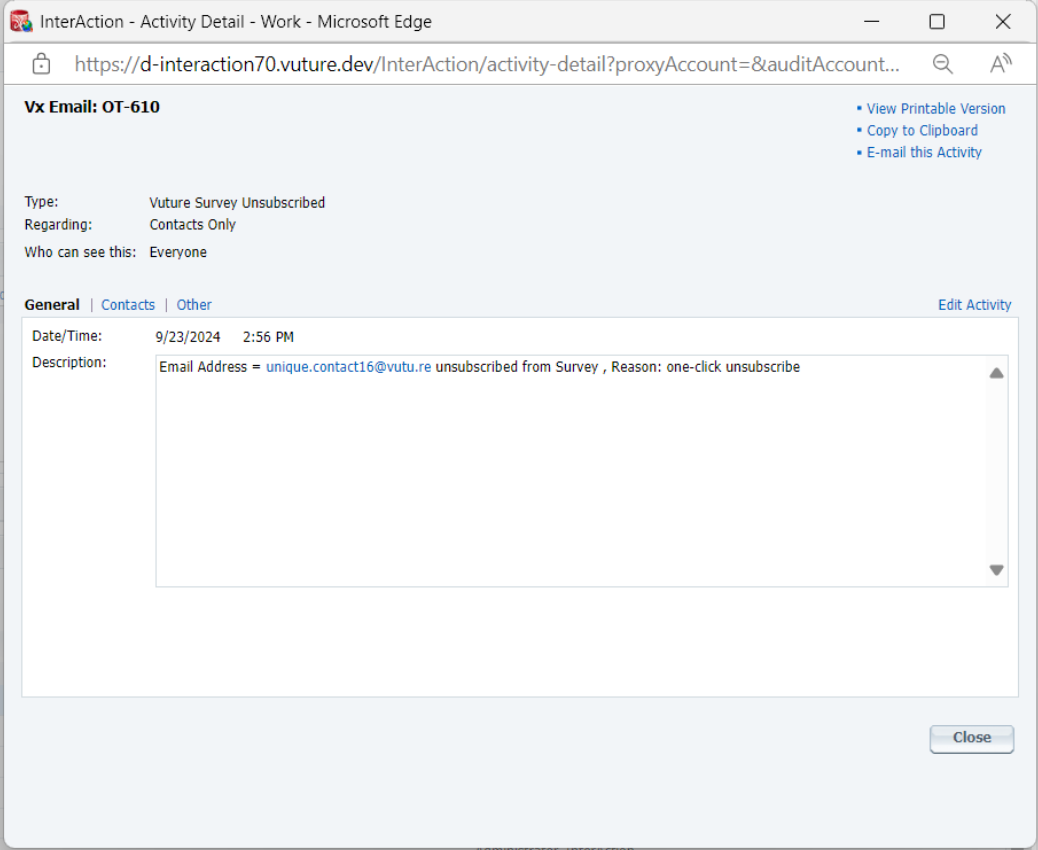
Once enabled, emailed contacts who unsubscribe using the one-click unsubscribe link will be added to the matching suppression list in InterAction and an Activity Note will be added to their contact record in InterAction, including the mailing name and Email Type from which the contact unsubscribed. The Activity Note will contain the summary text “Contact Unsubscribed from Events” (or Newsletters, or as appropriate).
This unsubscribed contact’s email address will also appear in the ISP Unsubscribes and Spam Complaints Dashboard with the Unsubscribe Type given as One-Click.
Like other contacts who use the one click Unsubscribe link in the header, these emails cannot be removed from this dashboard. It is View Only.
To prevent the dashboard from becoming too huge, they will drop off the dashboard view after 3 months.
The unsubscribed contacts will remain on the Vuture database unless the client contacts Support, in writing, asking for the contact to be reinstated. This applied to contacts who have unsubscribed from All Mailings and it also applies to contacts who have unsubscribed from an Email Type.
For contacts who choose to re-subscribe later, clients can remove a person’s email from the suppression list in InterAction. However, if a contact is added to a mailing list again, this will not be enough to ensure they receive the email. The unsubscribed contacts will need to be removed from the Vuture database as well.
So for Vuture clients it remains a two step process: Only then will the contact start receiving the emails again.
- Resubscribe the contact in IA
- Email Support and we will remove from the contact from our suppressions database.
To enable this variation to the standard Global Unsubscribe link in the header, ask your CSM to enable Admin → Emails → Perform OneClick Unsubscribe Header Check.
Clients and CSMs should ensure that valid suppression lists are configured for each Email Type in use.
FAQs
Q. Can we have a mixture of one-click Unsubscribe links in the headers of different emails?
A. No. It is a platform-wide setting. Currently, your platform will be sending all emails with the global Unsubscribe from All, one-click link in the header. If you ask Support or your CSM to enable this new option it will apply the Unsubscribe from This List one-click link to all emails sent from your platform going forward.
Q. Will I see a difference in the one click unsubscribe links in the headers of my emails?
A. No. Not by looking at the headers. The link wording will simply say Unsubscribe, as before. However, the Activity Notes generated in InterAction will contain the email type from which the contact has unsubscribed. The Activity Note will contain the summary text “Contact Unsubscribed from Events” (or Newsletters, or whichever Email Type applies in each case).