If you are trying to send an email, but find that the send email button is missing, the first thing to check is whether the campaign you are working in has been archived:
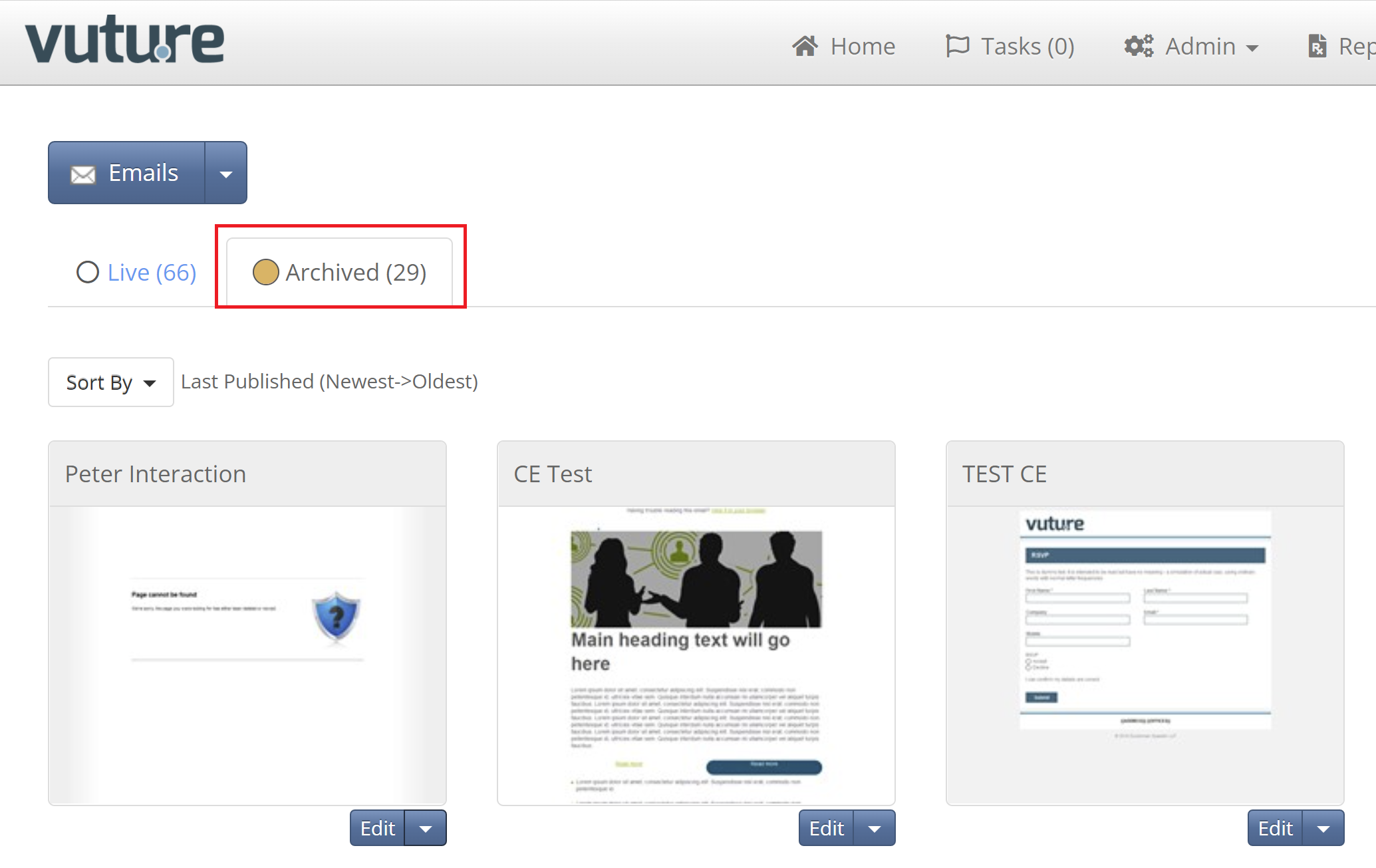
If you find your campaign to be under the 'Archived' tab, you must first move this back to the 'Live' tab to be able to send an email from it.
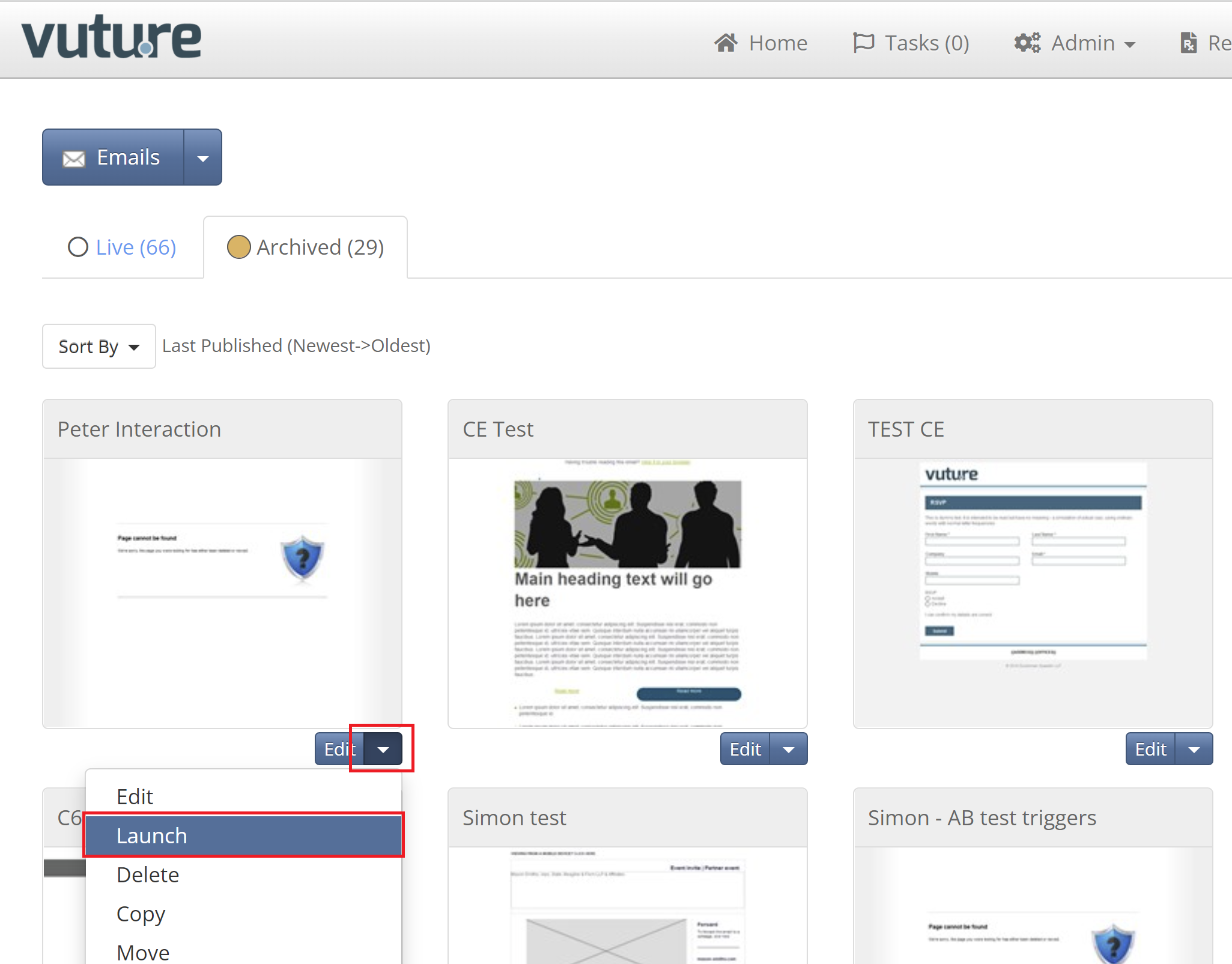
To do this, click the small downwards arrow next to the 'Edit' button on the desired campaign. In the dropdown menu that appears, click 'Launch', this will move the campaign back to the Live tab:
If you have verified that the campaign is in the Live folder, the second check is to ensure your role has the permission to Send Emails. Ask a User who is a Super Admin to check your role and the permissions for your role.
If you are a Super Admin and find the Send button is still missing after checking the above, reach out to your CSM or raise a support ticket.