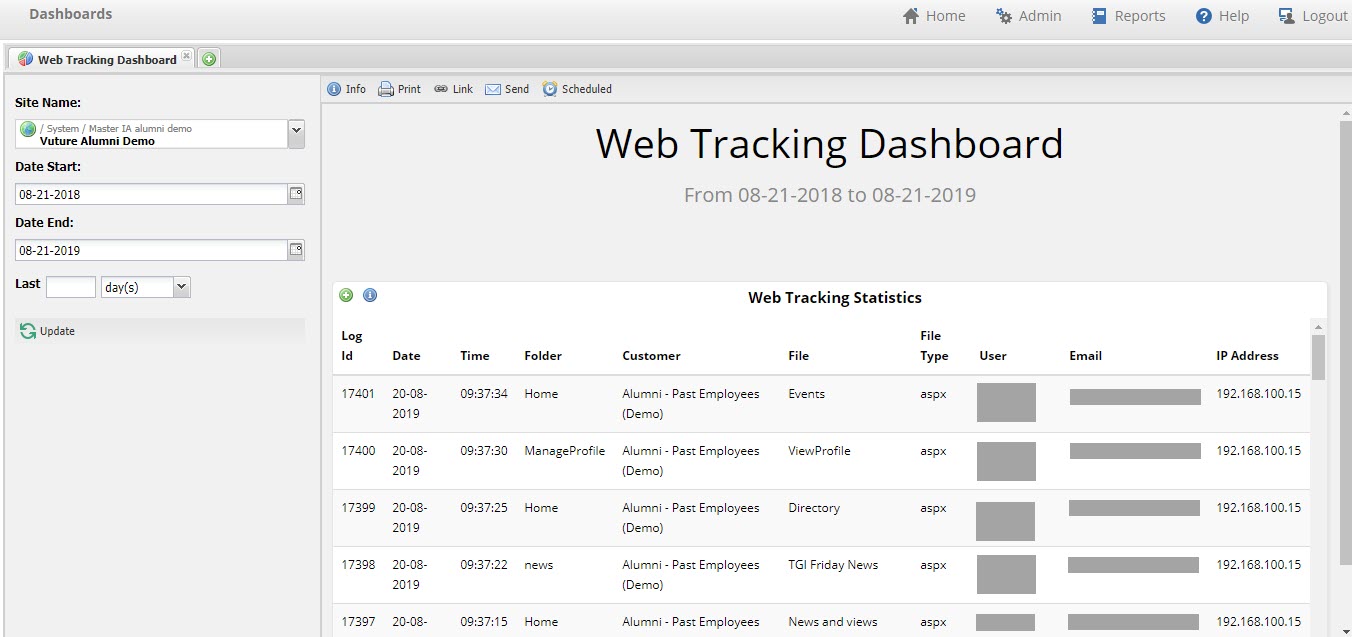
Any Secure Website managed by Vuture (e.g. the Alumni site) will have access to the Web Tracking Dashboard showing which pages a visitor has gone to behind the login screen.
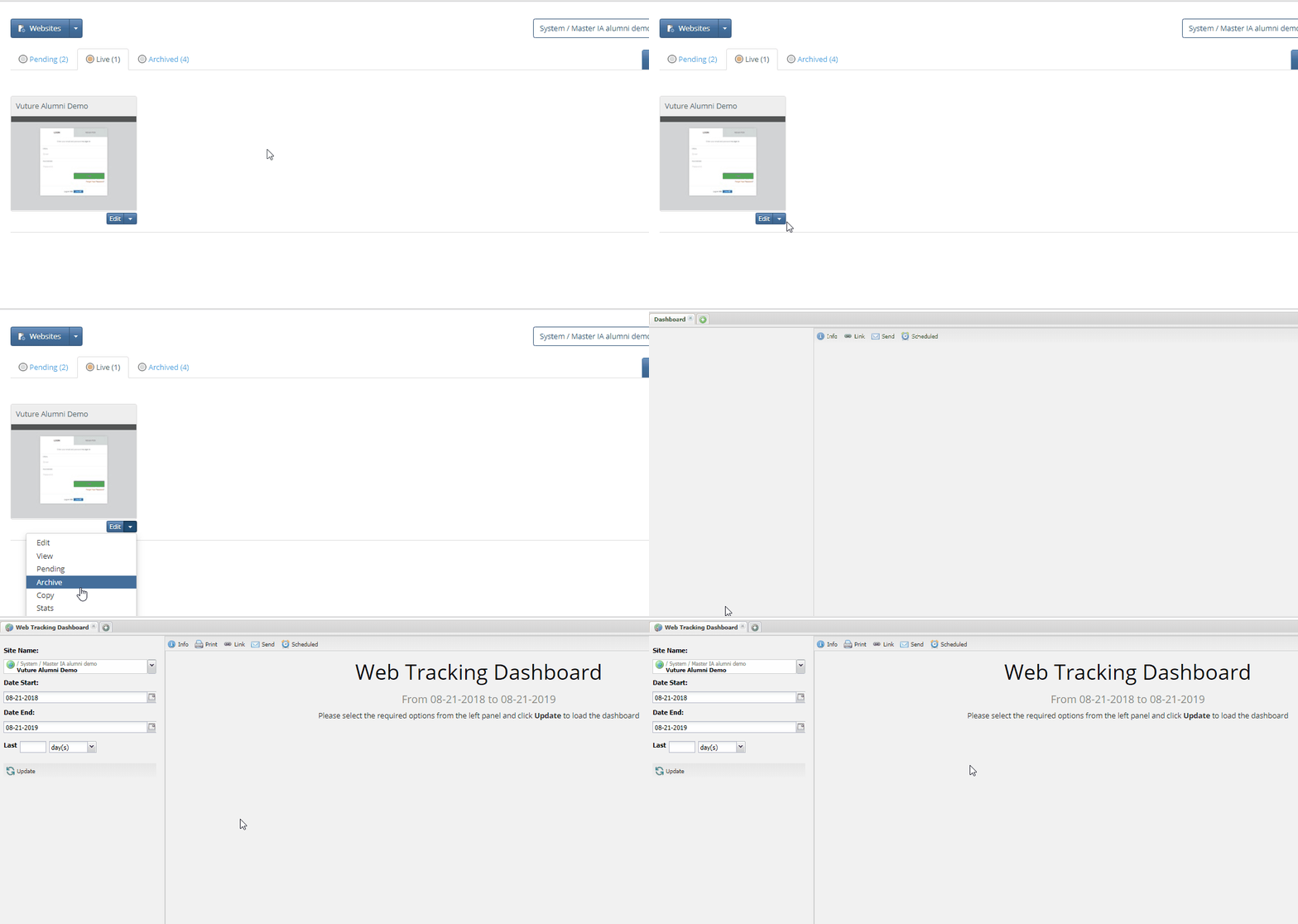
The dashboard can either be reached by clicking on the stats button under the thumbnail of the site within Vuture (recommended - see GIF below), or direct from Dashboards and searching for the site.
Setting a start and end date will return all data during this time frame. By default, the Dashboard will show you the last year's worth of data. If you'd like to download the data into a CSV file, click the green + sign on the "Web Tracking Statistics" section of this Dashboard.