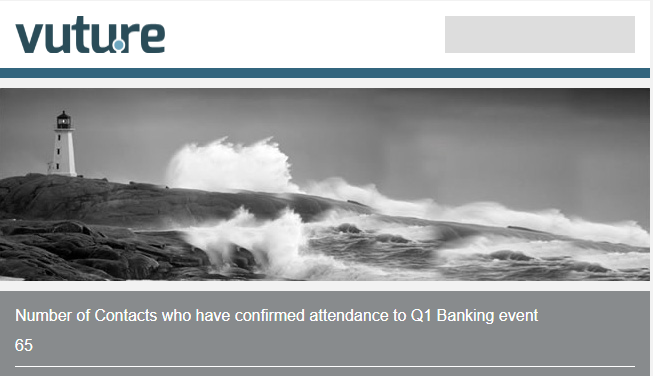
If you are running an event, you may want to send an email to the key stakeholders participating in the event letting them know how many people are attending. This would be useful to let a senior partner know how popular your event is.
You can use a placeholder in an email to show how many of a certain response there are in a field. For example the number of "Yes" in an RSVP field.
What you need before you start
Before you build the code you'll need the following items.
-
ExternalSystemId - This is the Dynamics Id in Vuture. Please contact your account manager if you're unsure of your instance number.
-
Campaign Id: is the Id of your Dynamics campaign. You can find instructions on how to get the Campaign ID here.
-
MS Dynamics field Id: is the Id of your additional field.
-
Ms Dynamics Value: is the value of the field (e.g. Accepted)
The syntax for the placeholder is:
{ Count: 'all', Instance: {'externalSystemId'}, CampaignId : {'Campaign Id'}, Field: {'MS Dynamics field id'}, Value: {'MS Dynamics Value'} }
An example with sample values is:
{ Count : 'all', Instance : '12', CampaignId : '8a895f05-8735-e711-80d0-00155d010201', Field: 'RSVP', Value : 'true' }
This will count the number of records that have the value "true" in the field RSVP.
Below is an example of how this might appear in an email.
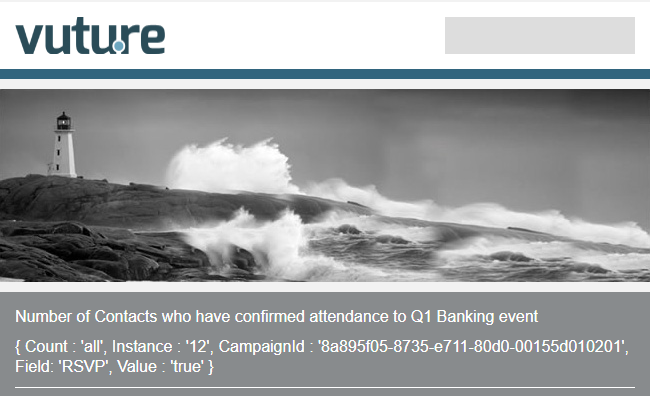
Example of processed variable