Clicking on an unsubscribe link in an email automatically marks the user as unsubscribed using a sub- category of the original mailing category.
This can also be written back as a Vuture Activity against the contact in ContactEase.
When sending to a category the unsubscribe sub-category is checked before sending.
Vuture will not send to contacts in ‘Unsubscribes: All’ and
‘Unsubscribes:{content type}’
There are 3 different suppression categories in ContactEase -
- Unsubscribe from All,
- Unsubscribe from a named Content Type, and
- Bounced Emails
They must follow the following naming conventions:
"Unsubscribes:All" : for global unsubscribes
"Unsubscribes:{content type}" for unsubscribes from a particular mailing content type.
"Unsubscribes:Bounced" - the category to which all bounced emails will be added.
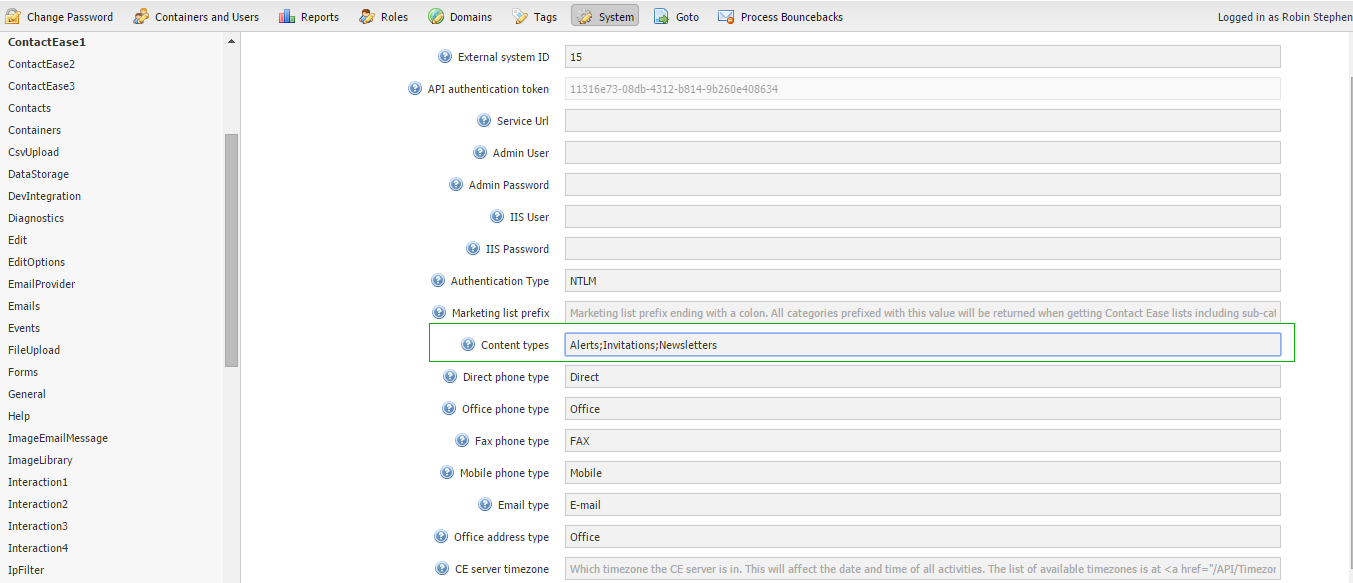
Content types are setup under "Admin.System.ContactEase.Content types" as semicolon(;) separated list.