Keywords: Campaign Version History
The Version History page or screen has been updated to our improved Spacelab interface.
This can be activated for you by your Client Success Manager. They need to enable: "Admin.Roles.Spacelab Pages.Version History".
The new Version History Screen has not changed any functionality, the update is only to the look and feel. The screen is accessible from within the campaign. Click on Options at the top left of the screen and then scroll down to Version History.
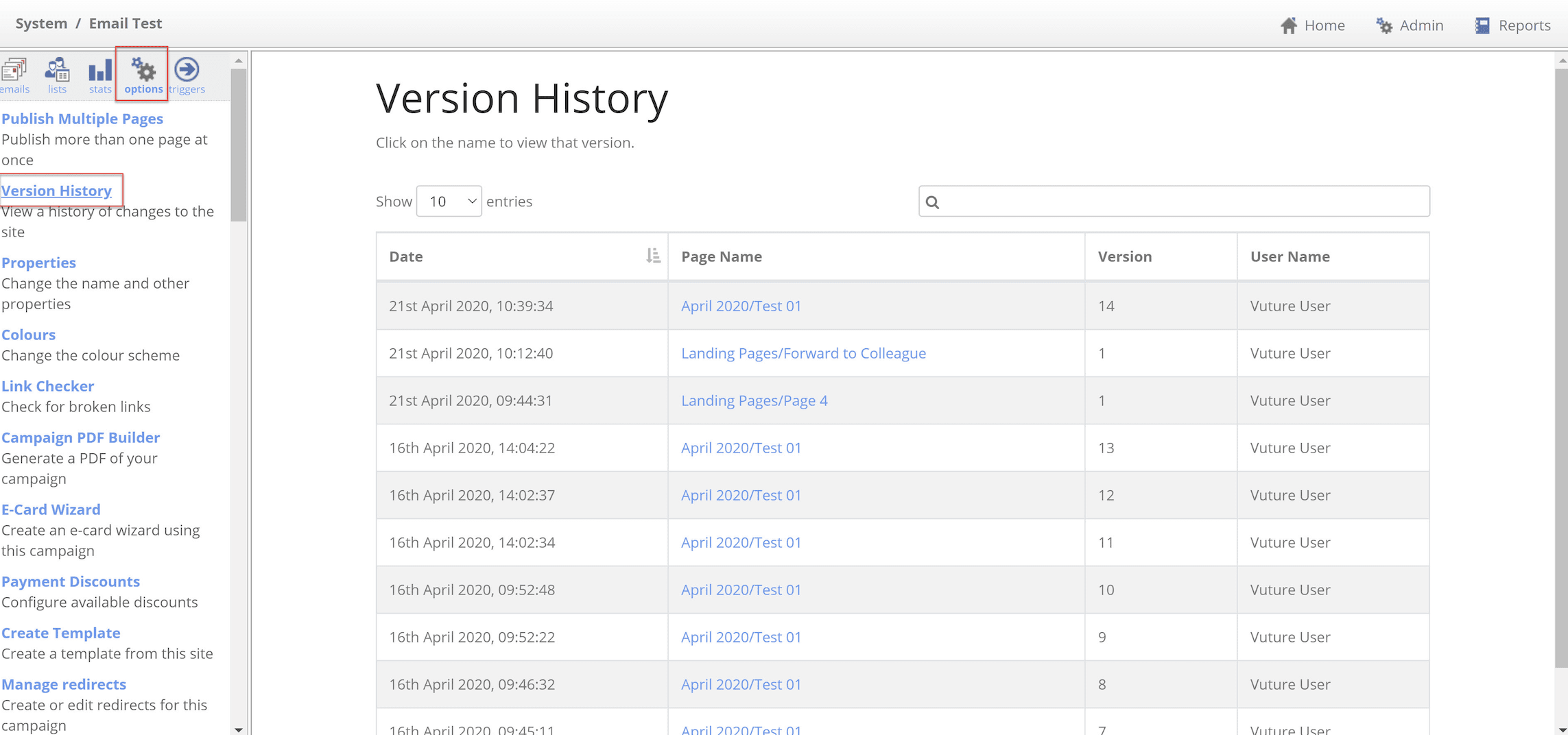
The screen can show you every saved version of the email campaign pages you are creating, with who published it and the date and time on which it was published.
