This article describes some different ways in which you can gather information on your browser. This information may be required by our Support team when helping you to resolve certain issues.
1) Capturing Operating System and Browser type and version information
Navigate to: https://www.whatismybrowser.com/
Copy the link under the heading “Share Your System Info with Tech Support”:
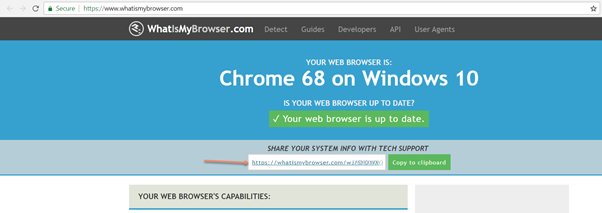
Please provide this link to our support team.
2) Console errors log
a. Open Chrome
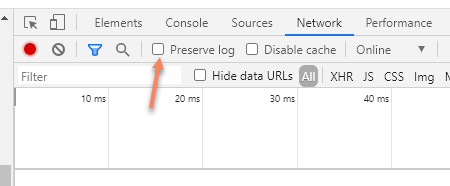
b. Click the "Network" tab in the Developer Tools, click "Preserve Log"
c. Log into Vuture Vx
d. Click F12 - This will open Developer Tools on the right-hand side or bottom of your screen
e. Navigate to the affected page
f. Click the "Console" tab in the Developer Tools
g. Right click and click "Save as"
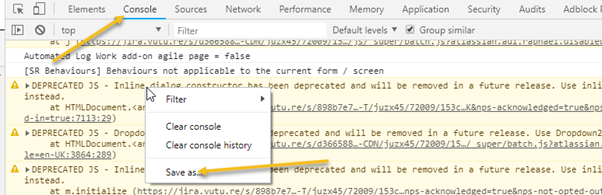
Please provide this log file to our support team.
3) Browser call log
After performing steps in 2) please also:
a. Click the "Network" tab in the Developer Tools
b. Right click on the items in the log
c. Click "Save as HAR with content"
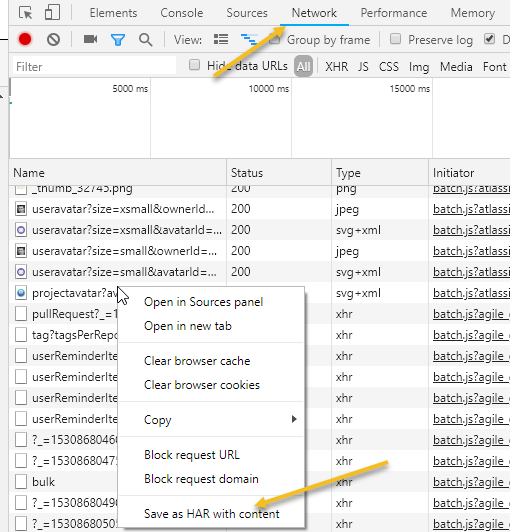
Please provide this .HAR log file to our support team.
