When organising an event, it is sometimes useful to give your contacts a choice of options via the use of a multi-value additional field on the event. For example, “Which 3 of the many sessions would you like to attend?”
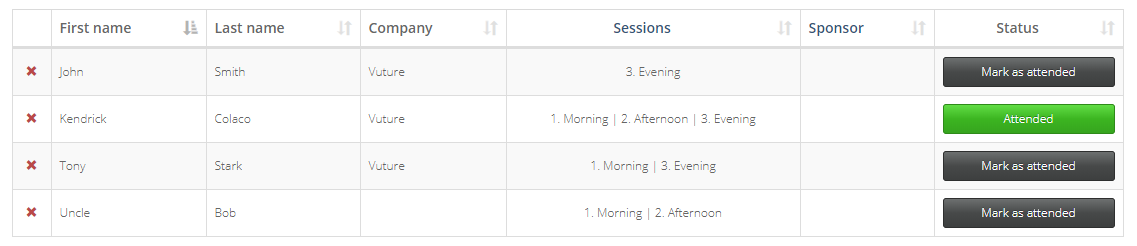
It is now possible to add a multi-value additional field to your InterAction event list, give contacts the choice of several options, and then display the choices they made on the Events App Check In screen.
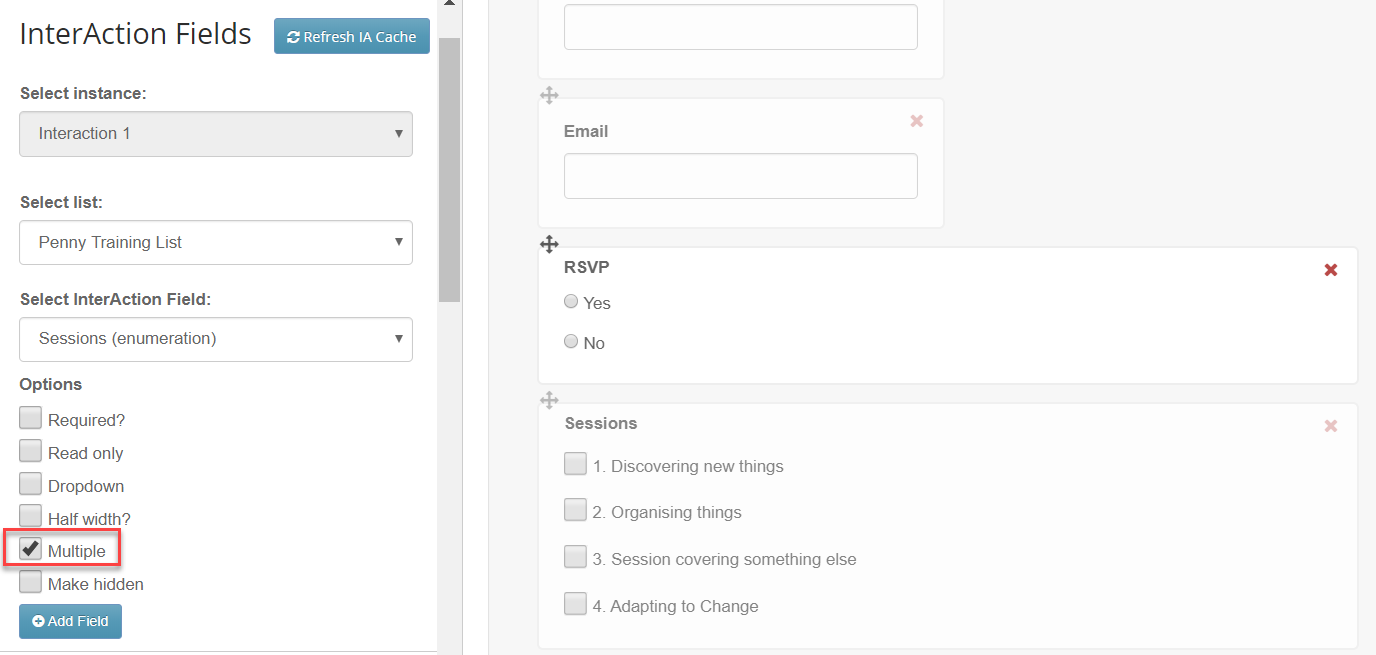
Create an event mailing list in the usual way in InterAction. Include the RSVP and Attended additional fields as usual, and a multi-value additional field, such as Sessions, where the contacts may choose more than one. You will have to select Multiple Values in InterAction and on the RSVP form as well.
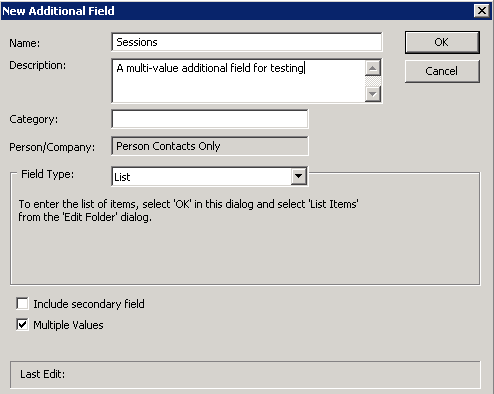
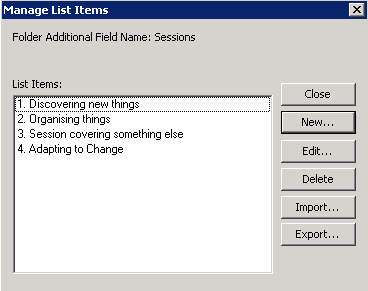
Note: the choices will display on the Events App check in screen in alphabetical order so if you have a specific order it will be necessary to number each choice to force the sort order.
Offer the contacts the choice via a Vuture email and RSVP form as usual. Remember to create a multivalue field in InterAction and Multiple on the form so that contacts can select more than one option:
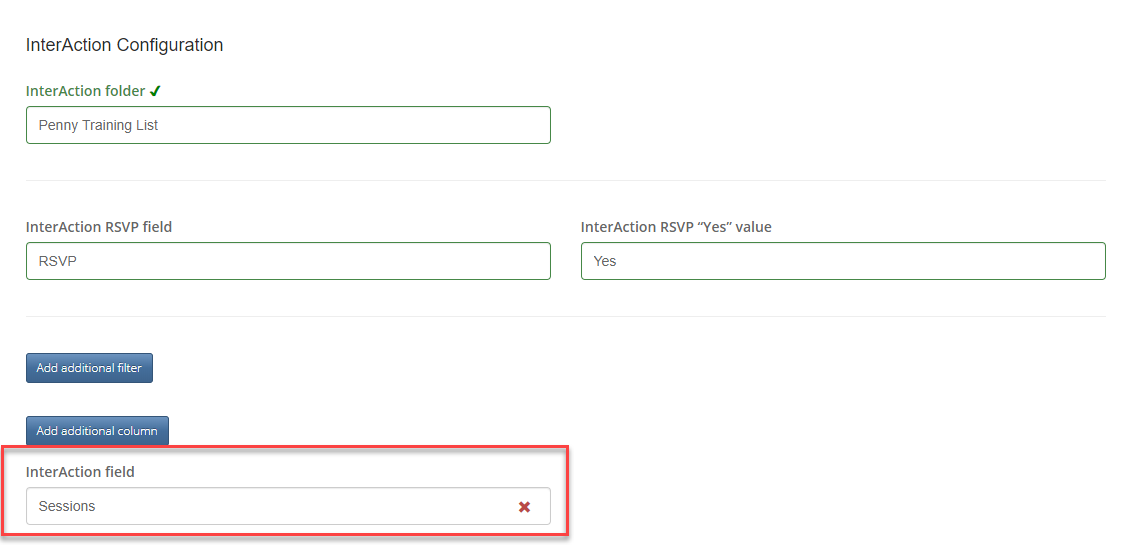
When configuring the Events App, choose to add the extra Additional Field (in this example, called Sessions)
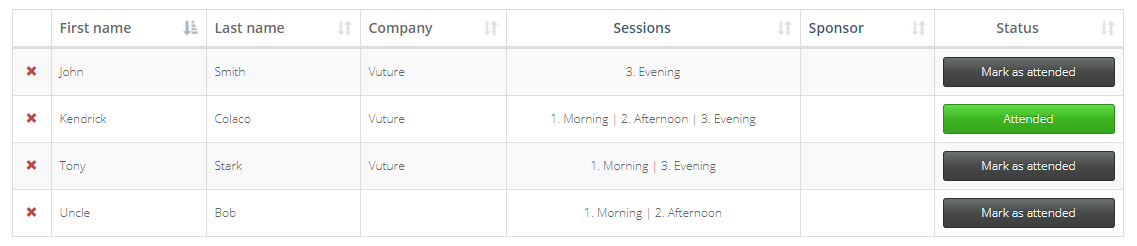
- On starting the event, you will see the Check In page now has the values selected by your contacts: