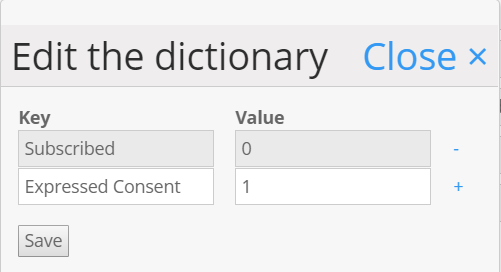
When integrating Vuture with MS Dynamics, you will set the values that represent Subscribed and Unsubscribed user status. Clients can manage their subscriptions in 2 different ways in their CRM and this note describes both.
The first field to set up is Unsubscribe field name:

This is the name of the CRM field that will hold the value for the contact's subscription status. In MS Dynamics, clients can choose to configure this field in two possible ways:
- As a Boolean field so that it only has two possible values (yes/no)
- As an option set so that it can have more than two possible values
Based on the above choices, if the client has configured the Unsubscribe field as a Boolean field then the following fields in Vuture (to be found at Admin.System.MS Dynamics) (possible subscribed values and possible unsubscribed values) should be left blank:

However if the Unsubscribe field has been configured as an option set then the above fields need to be populated with the values for subscribed and unsubscribed as shown below: