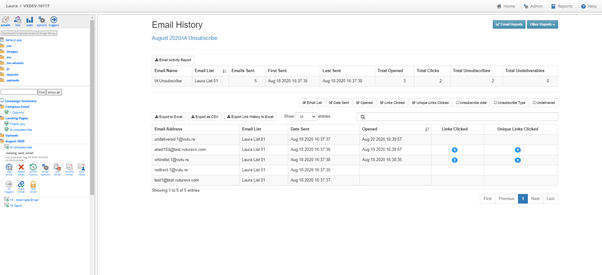
Following some very useful client feedback, the Email History screen has been further updated and it now includes extra functionality to make it more useful.
This new screen can be activated for you by your Account Manager. They need to enable: "Roles.Spacelab Pages.Email Sending History
What Has Changed?
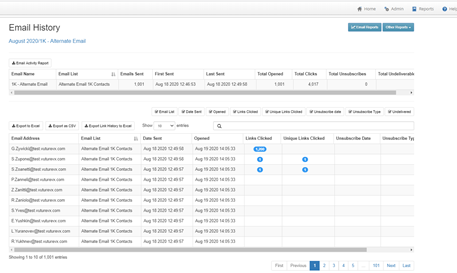
The screen includes a search box that makes it easy to find a particular contact or mailing.
Large numbers include a comma to indicate thousands.
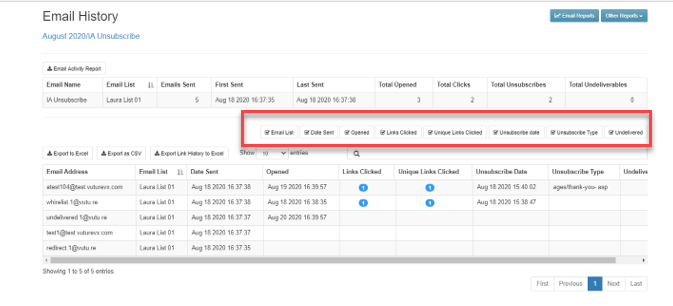
Checkboxes allow you to select the columns to be displayed or hidden, as you choose.
Sort the data in Ascending or Descending order. This, for example, will allow you to sort by Unsubscribe Date or Unsubscribe Type. This will make it easier to identify unsubscribes without the need to export the data to Excel first.
The new Email History Screen looks like this:
The checkboxes to display or hide columns are here:
Sorting the data by Date Sent, in ascending order:
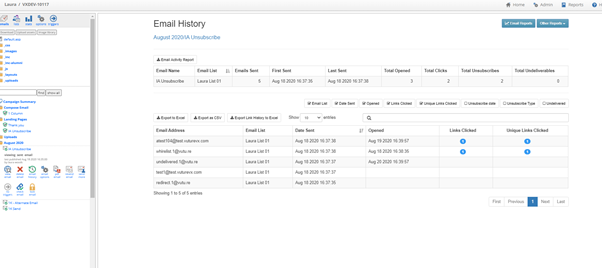
Sorting the data by Email Opened Date: