Overview
If you are running an event where you need to print a badge for each attendee as they enter the room, this option speeds up the badge printing process by automatically generating the badge each time you click Mark as Attended.
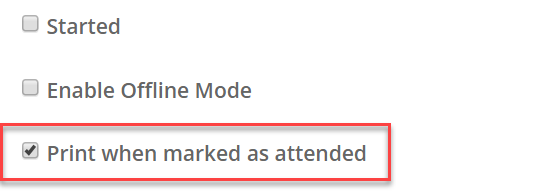
To use this feature for a specific event, check the "Print when marked as attended" option on the event Configuration screen:
The flow for checking in a contact now becomes:
- Mark a guest as Attended: The print screen will automatically open with the badge ready to print
- Click "Print": and your badge will be sent to the printer
Why is this feature useful?
Some clients like to prepare all the delegate badges for an event and have them laid out on a table in alphabetical order. As each guest arrives, the badge is found and handed over to them.
However, this inevitably means that some badges are wasted because some guests do not arrive. In addition, there are Walk Ins, who have no badge prepared and the event reception team has to hurriedly print a badge for them on the spot.
This feature allows you to print a badge very quickly, only when the guest checks in at the event and is marked as Attended.
